Scraping Google Search Results with Python: A Practical Guide
Learn how to scrape Google search results with Python, save results for analysis, and decide when a SERP API is a better fit for stable search data collection.



Need to collect Google search results with Python? You usually have two options.
The first option is to request the Google results page directly, parse the HTML, and extract the links or text you need. This is useful for learning, quick checks, and small internal experiments.
The second option is to use a SERP API when the workflow needs to be stable, repeatable, and easier to maintain. This is usually a better fit for rank tracking, competitor monitoring, AI search workflows, RAG pipelines, or any task that needs search data on a schedule.
This guide shows both approaches, with practical Python examples.
What Can You Scrape from Google Search Results?
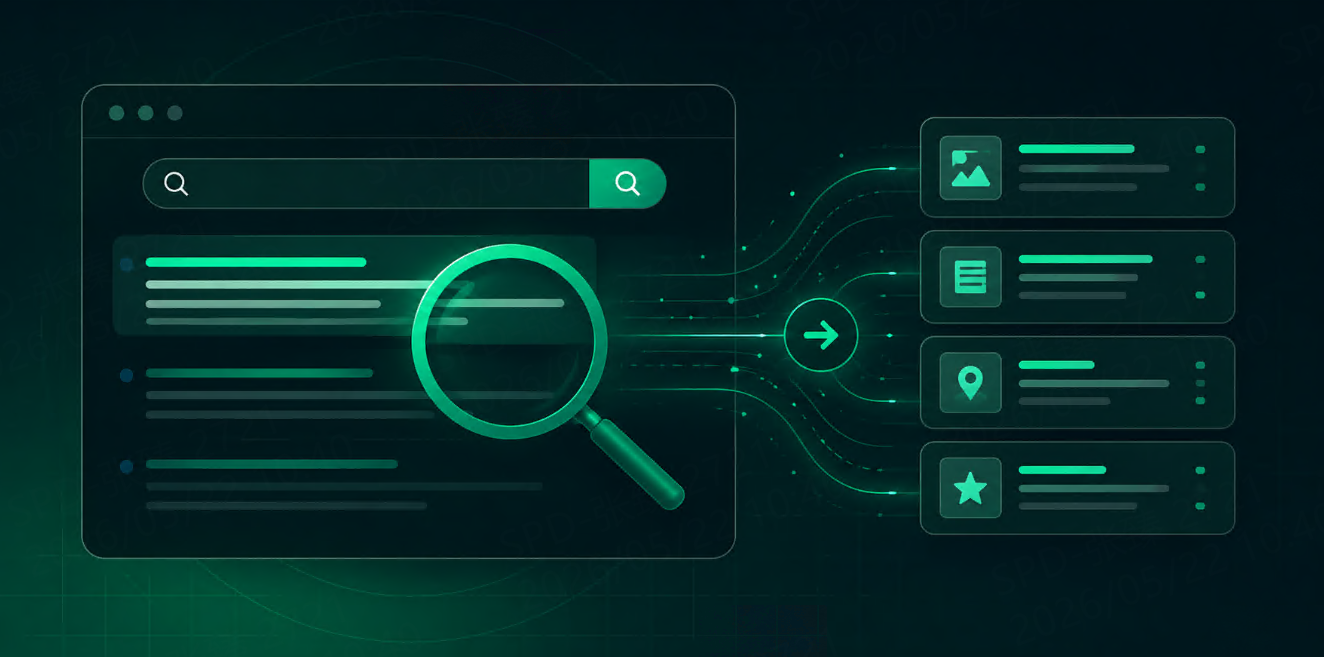
Depending on your use case, Google SERP data may include:
organic result titles
result URLs
snippets
ranking positions
ads visibility
People also ask results
local results
news or image results
related searches
search result HTML for later inspection
Not every method gives you the same level of structure. A direct HTML scraper may only extract basic links and visible text unless you spend time maintaining selectors. A SERP API usually gives you a more structured response, but the exact fields depend on the API provider.
For production use, define what you actually need before writing code. A rank tracking tool may only need keyword, position, URL, title, and timestamp. An AI agent may need title, URL, snippet, source, and retrieval time.
Getting Started
For a simple Python test, you can use:
pip install requests beautifulsoup4
You will use:
requeststo send the HTTP requestBeautifulSoupto parse the HTMLcsvorjsonto save the output
Before scraping any website at scale, review applicable laws, platform rules, robots.txt guidance, and your internal compliance requirements. Search result pages change often and are not designed as stable APIs, so direct scraping should be treated as a learning or limited-use approach unless you have a clear maintenance plan.
Method 1: Scrape Google Search Results Directly with Python
Here is a minimal example that requests a Google search page and prints part of the visible text.
import requests
from bs4 import BeautifulSoup

query = "best project management software"
url = "https://www.google.com/search"

params = {
    "q": query,
    "hl": "en",
    "gl": "us"
}

headers = {
    "User-Agent": "Mozilla/5.0"
}

response = requests.get(url, params=params, headers=headers, timeout=10)
response.raise_for_status()

soup = BeautifulSoup(response.text, "html.parser")

print(soup.get_text(" ", strip=True)[:1000])
This is not a production scraper. It only shows the basic flow:
Send a search request.
Receive HTML.
Parse the page.
Inspect the content.
The next step is extracting links.
import requests
from bs4 import BeautifulSoup

query = "best project management software"
url = "https://www.google.com/search"

params = {
    "q": query,
    "hl": "en",
    "gl": "us"
}

headers = {
    "User-Agent": "Mozilla/5.0"
}

response = requests.get(url, params=params, headers=headers, timeout=10)
response.raise_for_status()

soup = BeautifulSoup(response.text, "html.parser")

results = []

for a_tag in soup.find_all("a"):
    href = a_tag.get("href")
    text = a_tag.get_text(" ", strip=True)

    if not href or not text:
        continue

    results.append({
        "text": text,
        "url": href
    })

for item in results[:10]:
    print(item)
This will return many links, not only clean organic results. Some links may be navigation links, redirect links, or links from other page modules. That is the main limitation of direct scraping: the raw HTML is available, but turning it into clean SERP data takes extra parsing work.
Save Search Results to a CSV File
For small research tasks, saving extracted data to CSV can be enough.
import csv
import requests
from bs4 import BeautifulSoup

query = "best project management software"
url = "https://www.google.com/search"

params = {
    "q": query,
    "hl": "en",
    "gl": "us"
}

headers = {
    "User-Agent": "Mozilla/5.0"
}

response = requests.get(url, params=params, headers=headers, timeout=10)
response.raise_for_status()

soup = BeautifulSoup(response.text, "html.parser")

rows = []

for a_tag in soup.find_all("a"):
    href = a_tag.get("href")
    text = a_tag.get_text(" ", strip=True)

    if not href or not text:
        continue

    rows.append({
        "query": query,
        "text": text,
        "url": href
    })

with open("google_search_results.csv", "w", newline="", encoding="utf-8") as file:
    writer = csv.DictWriter(file, fieldnames=["query", "text", "url"])
    writer.writeheader()
    writer.writerows(rows)

print(f"Saved {len(rows)} rows to google_search_results.csv")
This is useful for inspection, but it still does not solve ranking position, SERP feature detection, localization consistency, or duplicate cleanup. You would need to add those layers yourself.
Why Direct Scraping Gets Hard
Direct scraping is easy to start but hard to keep stable.
Google search result pages can change without notice. A selector that works today may stop working later. Different queries can trigger different layouts. A product query may show shopping results. A local query may show maps. A news-related query may show Top Stories. A broad informational query may show People also ask.
Results also vary by:
country
language
device
location
query intent
time of search
For SEO and AI workflows, these details matter. If you do not save the query context, your data becomes difficult to compare later.
At minimum, store:
query
search engine
country or location
language
device
timestamp
raw response or raw HTML
Once you need scheduled collection, many keywords, multiple regions, or structured output, direct scraping becomes less about writing Python and more about maintaining a search data pipeline.
Method 2: Use a SERP API with Python
A SERP API lets you send search parameters to an API endpoint and receive search results in a more structured format. This can reduce the amount of work spent on HTML parsing, localization handling, retries, and response cleanup.
Here is a generic Python example using placeholders.
import requests
import json

endpoint = "YOUR_TALORDATA_SERP_API_ENDPOINT"
api_key = "YOUR_API_KEY"

params = {
    "engine": "google",
    "q": "best project management software",
    "location": "United States",
    "language": "en",
    "device": "desktop"
}

headers = {
    # Adjust this according to the provider's official authentication method.
    "Authorization": f"Bearer {api_key}"
}

response = requests.get(endpoint, params=params, headers=headers, timeout=30)
response.raise_for_status()

data = response.json()

with open("google_serp_response.json", "w", encoding="utf-8") as file:
    json.dump(data, file, ensure_ascii=False, indent=2)

print("Saved SERP response to google_serp_response.json")
The exact authentication method, parameter names, supported values, and response structure depend on the API provider. If you are using TalorData, check the SERP API query parameters documentation before implementation.
This approach is usually more practical when you need repeatable search data rather than a one-time page scrape.
Working with the API Response
Do not assume the response structure before checking the documentation and inspecting the actual response.
A safe workflow is:
Save the raw API response.
Inspect the JSON structure.
Decide which fields your application needs.
Normalize only those fields.
Store request parameters with every record.
For example, after inspecting the response, you may create a normalized table with fields such as:
query
location
language
device
result type
title
URL
position
timestamp
The exact mapping should come from the provider’s official response format. Avoid building production logic around fields you have not verified.
When Should You Use Direct Scraping?
Direct scraping may be enough when:
you are learning how search pages work
you only need a quick internal test
you are inspecting a small number of pages manually
you do not need stable structured output
you are not running the workflow at scale
It is not the best choice when your product depends on consistent search data every day.
When Should You Use a SERP API?
A SERP API is usually a better fit when search results become part of a recurring workflow.
Common examples include:
SEO rank tracking
competitor monitoring
ad visibility checks
local search analysis
market research
AI agent search grounding
RAG context retrieval
content intelligence workflows
If you are comparing SERP APIs, look at practical details:
supported search engines
location and language targeting
JSON and HTML response options
pricing model
documentation quality
error handling
request success rules
TalorData SERP API can be one option to evaluate if your workflow needs structured SERP data for SEO, monitoring, or AI search use cases. You can also read this related guide: Google SERP API: Collect Real-Time Search Results at Scale.
Practical Takeaway
Python is a good starting point for learning how Google search result collection works. A simple script can help you understand requests, HTML parsing, and basic extraction.
But if your goal is stable SERP data, direct scraping can become expensive to maintain. The real work is not sending one request. It is keeping the workflow reliable across keywords, locations, devices, layouts, and time.
For small experiments, direct scraping may be fine. For production SEO tools, AI agents, RAG systems, or recurring market research, a SERP API is usually the cleaner path.
Before choosing any solution, define your parameters, estimate request volume, and check how costs scale. If you are evaluating TalorData, you can review the SERP API pricing page and the query parameters documentation.
FAQ
Can I scrape Google search results with Python?
Yes. Python can request a Google search results page, parse the returned HTML, and extract links or visible text. However, direct scraping can be unstable because page layouts change and results vary by location, language, device, and query intent.
Why does my Google scraper return messy links?
A Google results page contains many links beyond organic results, including navigation links, redirects, ads, SERP modules, and other page elements. You need extra filtering logic to separate useful search results from page noise.
Should I use BeautifulSoup or a SERP API?
BeautifulSoup is useful for learning, inspecting HTML, or running small experiments. A SERP API is usually better when you need structured output, repeatable results, location control, scheduled collection, or data that supports a production workflow.
What should I check before choosing a SERP API?
Check supported search engines, location and language targeting, response formats, pricing model, documentation quality, error handling, and whether the API fits your expected request volume and data workflow.