How to Scrape Google Search Results: A Step-by-Step Guide
Learn how to scrape Google Search results step by step with Python, what data to extract, common scraping challenges, and when to use a SERP API.
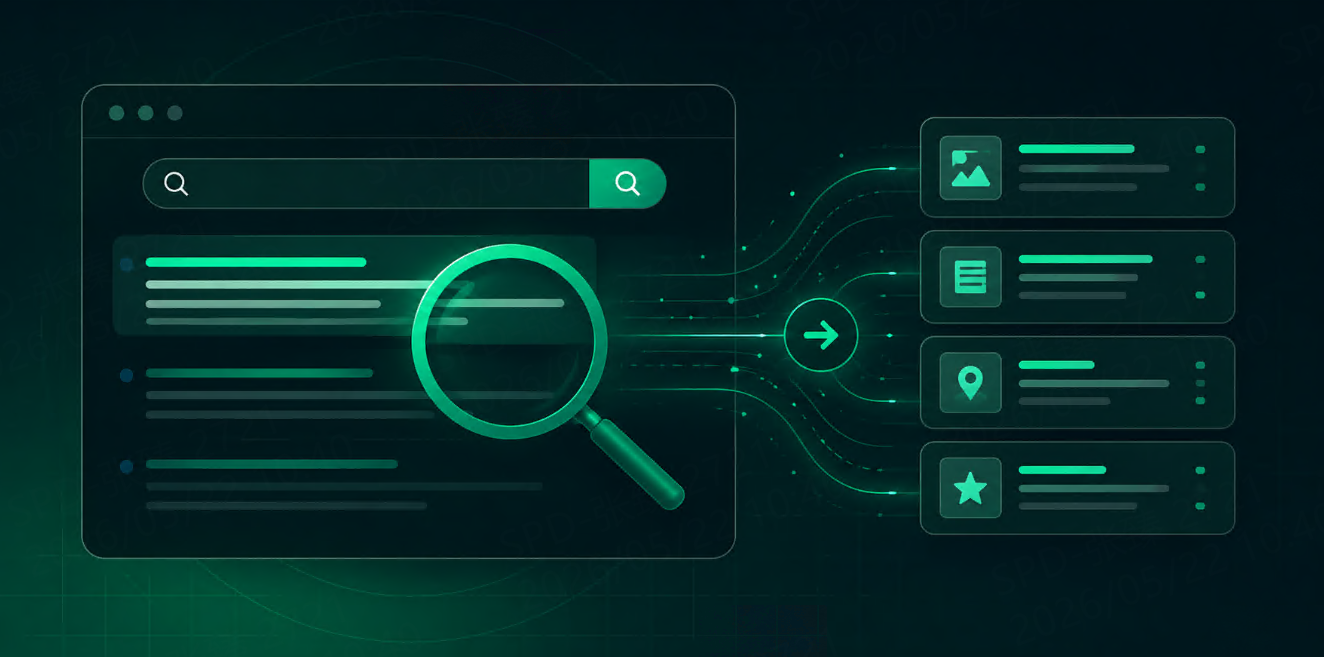



Google Search results are one of the most useful public data sources for SEO tools, market research, AI agents, competitor monitoring, and content intelligence. A single search results page can show organic rankings, page titles, snippets, URLs, ads, related questions, local results, news, videos, and other search features.
At the same time, scraping Google Search is not as simple as sending one HTTP request and parsing a few links. Search results change by location, language, device, personalization, query intent, and layout. Google also uses anti-bot protections, rate limits, and dynamic result formats that can make raw scraping fragile at scale.
This guide walks through the practical workflow: what Google SERPs contain, why they are hard to scrape, how to build a small Python scraper for learning, and when a SERP API is a better option for production systems.
Google SERP Overview
A Google Search Engine Results Page, or SERP, is the page returned after a user submits a search query. For a basic informational keyword, the page may show organic results with titles, URLs, snippets, and sitelinks.
For commercial or local queries, the page may include ads, shopping results, local packs, maps, videos, images, People Also Ask boxes, or knowledge panels.
Common SERP Elements
· Organic results
· Paid search ads
· People Also Ask questions
· Related searches
· Local packs and map results
· Shopping results
· News or Top Stories
· Images and videos
Before writing any scraper, decide which part of the SERP you actually need. A rank tracker may only need organic result positions. A content research tool may need titles, snippets, URLs, and related questions. An AI agent may only need the top sources and snippets for context.
Why Scraping Google Search Is Difficult
Layout Changes
Google changes search result layouts frequently. CSS selectors that work today may break when Google updates markup, adds a new SERP feature, or tests a different layout.
Anti-Bot Protections
High-volume requests can trigger CAPTCHAs, temporary blocks, or inconsistent responses. If you build your own scraper, you may need proxy rotation, request throttling, browser-like headers, retry logic, and monitoring.
Location and Language Differences
The same keyword can return different results in the United States, Germany, Japan, or Brazil. Results can also change by language, device type, and city-level location. If you do not store these parameters, your ranking data becomes difficult to reproduce.
Mixed Result Types
Google Search is no longer just ten blue links. If your workflow needs local, shopping, news, or video results, you need a data model that separates result types instead of forcing everything into one schema.
Set Up a Python Environment
For a small educational scraper, install Python and the following libraries:
pip install requests beautifulsoup4 pandas
requests sends HTTP requests, BeautifulSoup parses HTML, and pandas saves extracted results to CSV.
Method 1: Scrape Google Search with Python
The following example is intentionally simple. It is useful for learning how scraping works, but it should not be treated as a production-ready Google scraper.
1. Import Libraries and Set Headers
import requests
from bs4 import BeautifulSoup
import pandas as pd
from urllib.parse import quote_plus
headers = {
"User-Agent": "Mozilla/5.0 (Windows NT 10.0; Win64; x64) AppleWebKit/537.36 Chrome/124.0 Safari/537.36",
"Accept-Language": "en-US,en;q=0.9"
}
2. Send a Search Request
query = "best project management tools"
url = f"https://www.google.com/search?q={quote_plus(query)}&hl=en&gl=us"
response = requests.get(url, headers=headers, timeout=15)
response.raise_for_status()
The hl and gl parameters help control language and country signals, but actual results can still vary. For serious tracking, store all parameters with every result.
3. Parse Organic Results
soup = BeautifulSoup(response.text, "html.parser")
results = []
for block in soup.select("div.g"):
title_el = block.select_one("h3")
link_el = block.select_one("a")
if not title_el or not link_el:
continue
results.append({
"title": title_el.get_text(strip=True),
"url": link_el.get("href"),
"query": query
})
print(results[:3])
Google markup can vary, so selectors may need adjustment. If this returns empty results, inspect the HTML response and confirm that you did not receive a consent page, CAPTCHA, or alternate layout.
4. Save Results to CSV
df = pd.DataFrame(results)
df.to_csv("google_search_results.csv", index=False)
Full Example Code
import requests
from bs4 import BeautifulSoup
import pandas as pd
from urllib.parse import quote_plus
query = "best project management tools"
url = f"https://www.google.com/search?q={quote_plus(query)}&hl=en&gl=us"
headers = {
"User-Agent": "Mozilla/5.0 (Windows NT 10.0; Win64; x64) AppleWebKit/537.36 Chrome/124.0 Safari/537.36",
"Accept-Language": "en-US,en;q=0.9"
}
response = requests.get(url, headers=headers, timeout=15)
response.raise_for_status()
soup = BeautifulSoup(response.text, "html.parser")
results = []
for block in soup.select("div.g"):
title_el = block.select_one("h3")
link_el = block.select_one("a")
if title_el and link_el:
results.append({
"title": title_el.get_text(strip=True),
"url": link_el.get("href"),
"query": query,
"language": "en",
"country": "us"
})
df = pd.DataFrame(results)
df.to_csv("google_search_results.csv", index=False)
print(f"Saved {len(results)} results")
Method 2: Use a SERP API
For production workflows, many teams use a SERP API instead of parsing Google HTML directly. This reduces the time spent on proxies, CAPTCHAs, markup changes, retries, and result normalization.
A typical API request sends a query and targeting options, then receives structured JSON or HTML. For example:
import requests
payload = {
"query": "best project management tools",
"engine": "google",
"location": "United States",
"language": "en",
"device": "desktop",
"output": "json"
}
response = requests.post(
"YOUR_SERP_API_ENDPOINT",
headers={"Authorization": "Bearer YOUR_API_KEY"},
json=payload,
timeout=30
)
response.raise_for_status()
data = response.json()
Parameter names differ by provider. If you use TalorData SERP API, check the Google Search parameters documentation before production implementation.
What Data Should You Store?
Do not only store title and URL. For reliable analysis, store the search context too:
· Query
· Search engine
· Location and country
· Language
· Device type
· Result type
· Ranking position
· Title, URL, domain, and snippet
· Timestamp
This makes the dataset reproducible. If rankings change, you can check whether the query, location, language, or device also changed.
Comparing Scraping Methods
Raw Python Scraper
Good for learning and small experiments. It is low-cost but fragile, especially when Google changes layout or blocks requests.
Python Scraper with Proxies
More resilient than direct requests, but you still need to manage proxy quality, headers, retries, parsing, and compliance.
Headless Browser
Useful for JavaScript-heavy pages or visual testing, but slower and more expensive at scale.
API
Best suited for production data pipelines, rank tracking, AI search context, and recurring monitoring. The tradeoff is vendor cost, but the engineering overhead is usually lower.
Best Practices
Keep Parameters Consistent
Use the same query, location, language, and device settings when tracking changes over time.
Separate Result Types
Organic results, local packs, ads, shopping results, and news results should use separate fields or tables.
Respect Legal and Compliance Requirements
Before scraping any website, review applicable laws, platform terms, privacy rules, and internal compliance requirements.
Monitor Failures
Track empty responses, CAPTCHA pages, blocked requests, parsing failures, and sudden result count changes.
FAQ
Can I scrape Google Search results with Python?
Yes, for small tests and learning projects. For production use, direct scraping can be fragile because of layout changes, CAPTCHAs, blocking, and localization issues.
What is the best way to scrape Google Search at scale?
At scale, a SERP API or managed scraping infrastructure is usually more reliable than maintaining raw HTML scrapers yourself.
What data can I extract from Google Search results?
Common fields include title, URL, snippet, domain, position, result type, query, location, language, device, and timestamp.
Starting from 1000 free requests>>
Conclusion
Scraping Google Search results can be useful for SEO tools, AI agents, market research, and competitor monitoring. A small Python scraper is a good way to understand the basics, but production systems need consistent parameters, structured output, error handling, and reliable collection infrastructure.
For teams that need recurring Google SERP data without maintaining custom scraping infrastructure, a SERP API is often the more practical path.