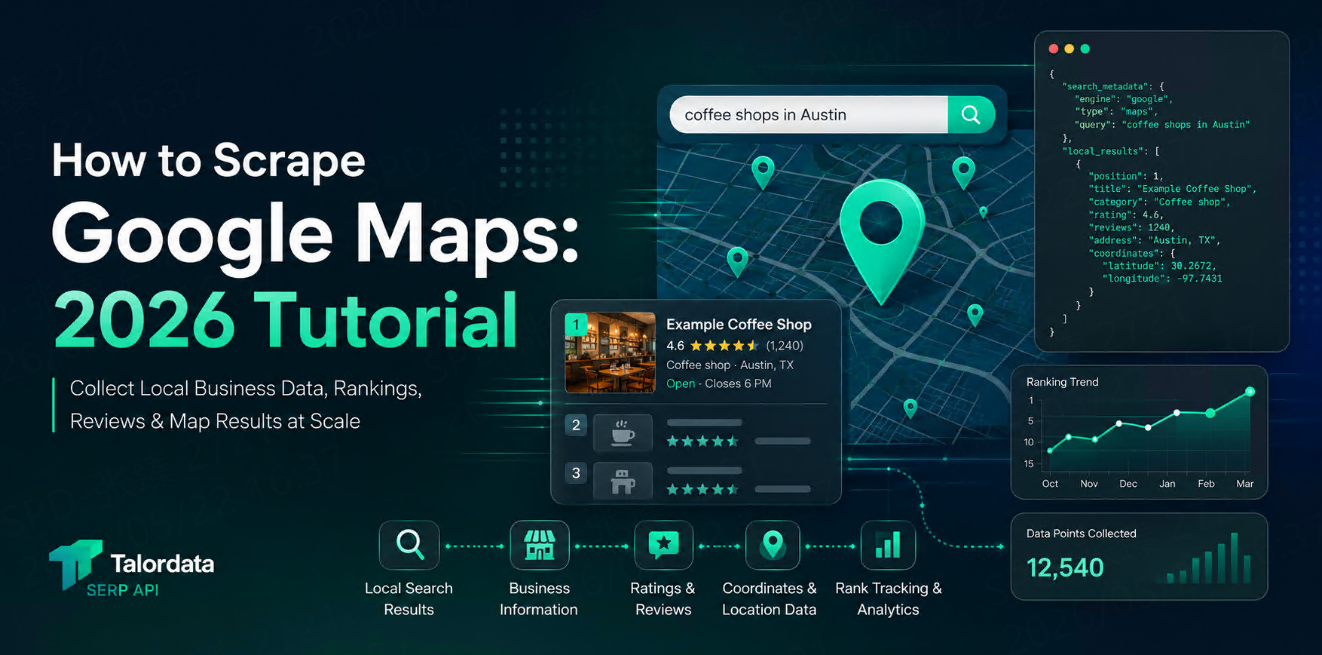
How to Scrape Google Local Pack Results
Learn how to scrape Google Local Pack results, what local business data you can collect, common SEO use cases, example API request structures, and what to compare before choosing a SERP API.
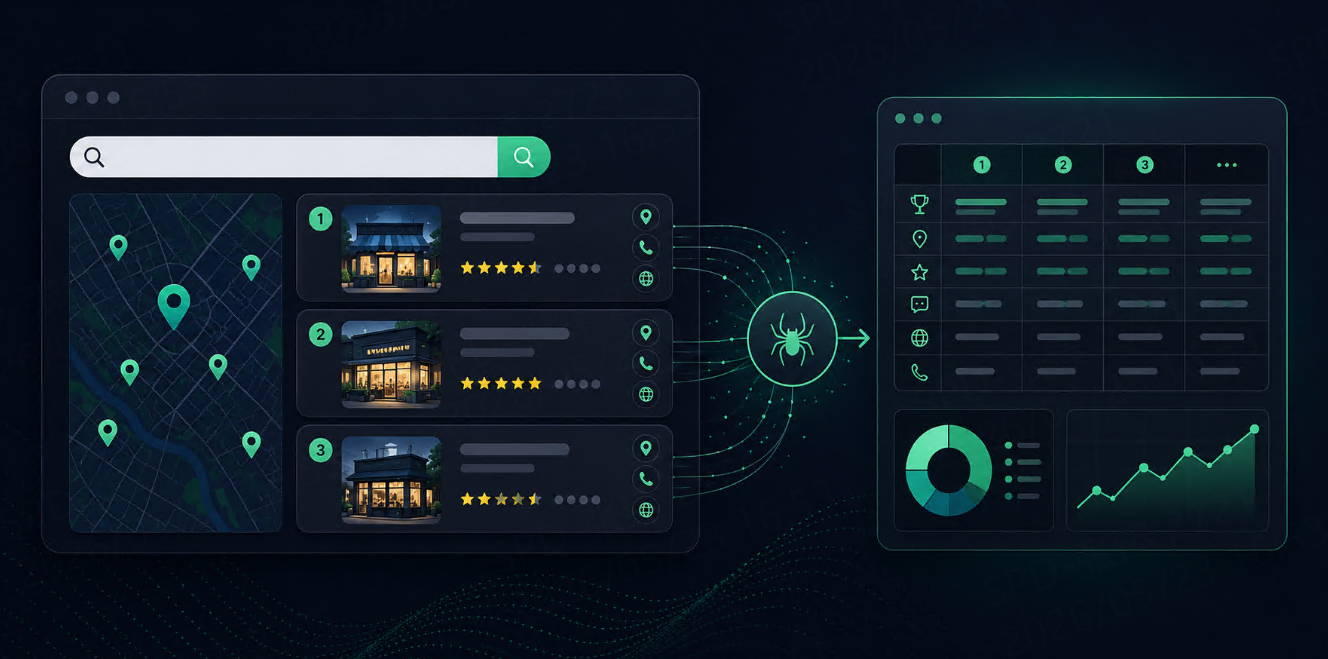



Google Local Pack results are valuable for local SEO, competitor monitoring, franchise research, lead generation, and location-based market analysis.
When users search for queries like “coffee shop near me,” “dentist in Chicago,” or “best hotels in Singapore,” Google may show a local result block with business names, ratings, addresses, opening hours, review counts, phone numbers, websites, directions, and map-related data.
For businesses that depend on local visibility, this data matters. Ranking in organic search is useful, but appearing in the Local Pack can directly affect calls, store visits, bookings, and customer trust.
This guide explains what Google Local Pack results are, what data you can collect, how a scraping workflow works, and why many teams use a SERP API instead of maintaining their own local search scraper.
What Are Google Local Pack Results?
Google Local Pack results are the local business listings that appear for location-based searches.
They usually appear near the top of the search results page and may include a map plus a small set of business listings. The exact layout can vary by query, location, device, and search intent.
A Local Pack result may include:
Data Field | Why It Matters |
Business name | Identifies the local listing |
Ranking position | Shows local search visibility |
Rating | Helps measure reputation strength |
Review count | Indicates review volume and trust |
Address | Useful for location matching |
Phone number | Useful for lead or business data workflows |
Website URL | Connects the listing to the business site |
Google Maps link | Helps validate the listing |
Opening hours | Shows business availability |
Category | Helps classify the business |
Latitude / longitude | Useful for map and distance analysis |
Service area | Important for local service businesses |
For local SEO teams, the most important fields are usually position, business name, rating, reviews, address, category, and website.
Why Scrape Google Local Pack Results?
Local Pack data helps answer practical business questions.
For example:
Which businesses appear for “emergency plumber near me” in different cities?
Does our store appear in the Local Pack for target keywords?
Which competitors have more reviews?
Which locations rank better on mobile than desktop?
How do results change by city, ZIP code, or language?
Are franchise locations visible in their local markets?
This is useful for:
Use Case | How Local Pack Data Helps |
Local SEO tracking | Monitor rankings by city, keyword, and device |
Competitor research | Compare visibility, ratings, and review counts |
Franchise monitoring | Track many branches across regions |
Lead generation | Find businesses by category and location |
Reputation analysis | Compare ratings and reviews |
Market research | Understand local business density and competition |
AI workflows | Give agents fresh local business context |
If your work depends on local search visibility, Local Pack data gives you a more realistic view than organic rankings alone.
Can You Build Your Own Google Local Pack Scraper?
You can build a simple scraper for learning or small tests. But Google Local Pack pages are harder to parse than basic organic results.
The challenges usually include:
Dynamic page layouts
Different desktop and mobile views
Location-sensitive results
Map-related data
Business cards loaded in different ways
Missing fields for some listings
CAPTCHA or blocking interruptions
Frequent layout changes
Difficulty keeping coordinates, addresses, and rankings consistent
A custom scraper may work for a small one-time test. But if you need recurring tracking across many keywords, cities, languages, and devices, it becomes difficult to maintain.
Before collecting data, always review the website’s terms and make sure your workflow follows applicable rules and compliance requirements.
A Simple Local Pack Scraping Workflow
A practical workflow usually looks like this:
Choose target keywords
→ Choose target locations
→ Set language and device
→ Collect Google Local Pack results
→ Parse business fields
→ Store query, location, device, and timestamp
→ Compare rankings and business data over time
For example, a local SEO team may track:
20 keywords
× 50 cities
× desktop and mobile
× weekly updates
That already becomes 2,000 local SERP checks per week, before pagination or additional result types.
This is why structure matters. Every result should keep the original query, location, language, device, and collection time.
Example API Request
A SERP API request for Google Local Pack data may look like this:
{
  "query": "best dentist near me",
  "engine": "google",
  "type": "local",
  "location": "Chicago, Illinois, United States",
  "language": "en",
  "device": "desktop",
  "output": "json"
}
A clean response should return structured local business results rather than raw HTML.
Example response structure:
{
  "search_parameters": {
    "query": "best dentist near me",
    "engine": "google",
    "type": "local",
    "location": "Chicago, Illinois, United States",
    "language": "en",
    "device": "desktop"
  },
  "local_results": [
    {
      "position": 1,
      "business_name": "Example Dental Clinic",
      "rating": 4.8,
      "reviews": 326,
      "category": "Dentist",
      "address": "123 Main St, Chicago, IL",
      "phone": "+1 312-000-0000",
      "website": "https://exampledental.com",
      "maps_link": "https://www.google.com/maps/...",
      "hours": "Open ⋅ Closes 6 PM"
    }
  ]
}
This type of structured output is easier to store, compare, and connect to SEO dashboards or AI workflows.
What Data Should You Store?
For Local Pack tracking, do not store only business names and URLs. You need the full search context.
A useful local SERP record should include:
Field | Reason |
Query | Shows which keyword triggered the result |
Location | Local results depend heavily on geography |
Device | Mobile and desktop results may differ |
Language | Important for multilingual markets |
Collection time | Needed for change tracking |
Position | Shows local visibility |
Business name | Identifies the listing |
Category | Helps group competitors |
Rating and reviews | Shows reputation signals |
Address | Helps match branches or competitors |
Website | Connects listing to domain analysis |
Maps link | Useful for validation |
Without query, location, device, and timestamp, the data becomes hard to compare over time.
Local Pack Scraping for SEO
For SEO teams, Google Local Pack scraping is useful because local visibility often changes by market.
A business may rank well in one city but disappear in another. A franchise may have strong visibility in downtown areas but weak visibility in suburbs. A competitor may gain more reviews and move higher over time.
Local Pack data can help SEO teams monitor:
Local keyword rankings
Competitor visibility
Rating and review trends
Store or branch-level performance
City-level search differences
Mobile vs desktop visibility
Local landing page opportunities
This data can also support reporting. Instead of telling a client “your local SEO improved,” you can show which keywords, cities, and locations changed.
Local Pack Data for AI and Automation
AI agents and automation workflows can also use Local Pack data.
For example, an AI assistant could:
Find top-rated local businesses in a city
Compare competitors by rating and review count
Summarize local market competition
Detect new businesses appearing in search results
Recommend local SEO actions based on ranking changes
Build city-level business reports
For these workflows, the model needs structured context: business name, category, rating, reviews, address, website, ranking position, query, and timestamp.
Raw HTML is not ideal. Clean local search data is much easier to pass into an LLM, RAG pipeline, dashboard, or monitoring system.
SERP API vs Custom Scraper
Factor | Custom Scraper | SERP API |
Setup | Easy for small tests | Easy once configured |
Maintenance | High | Lower |
Location accuracy | Hard to manage | Parameter-based |
Data structure | Manual parsing needed | Structured JSON |
Layout changes | Break selectors | Usually handled by provider |
Scaling | Difficult | Designed for recurring collection |
Best fit | Learning and experiments | SEO, monitoring, AI workflows |
If your project is only a one-time experiment, a custom scraper may be enough. If your team needs reliable, repeatable local SERP data, a SERP API is usually more practical.
If you are testing Google Local Pack collection, start with a small set of real queries and locations. Compare whether the response keeps business name, position, rating, reviews, address, website, location, device, and timestamp together. You can run a quick test with 1,000 free responses >>, or review the Google Local API parameters before scaling your local search workflow.
Common Mistakes
The first mistake is ignoring location precision.
City-level data may not be enough for some local searches. Neighborhood, ZIP code, or coordinate-level context can matter.
The second mistake is mixing mobile and desktop results.
Local results can look different by device. Keep device settings attached to every record.
The third mistake is tracking only position.
A business ranked second with 2,000 reviews may be more competitive than a business ranked first with 20 reviews. Store rating, review count, and category too.
The fourth mistake is not storing timestamps.
Local results change. Without collection time, you cannot track trends or explain ranking changes.
FAQ
What are Google Local Pack results?
Google Local Pack results are local business listings that appear for location-based searches. They often include business names, ratings, reviews, addresses, opening hours, websites, and map links.
Can I scrape Google Local Pack results?
Yes, it is technically possible to collect Local Pack results, but maintaining a custom scraper can be difficult because layouts, local signals, and blocking behavior may change. Many teams use a SERP API for structured local results.
What data can I collect from Google Local Pack results?
You can collect business name, ranking position, rating, review count, category, address, phone number, website, opening hours, Google Maps link, location, device, and timestamp.
Why is Local Pack data useful for SEO?
Local Pack data helps SEO teams monitor local visibility, competitor rankings, review trends, branch performance, and city-level search differences.
Should I use a SERP API or build my own scraper?
Use a custom scraper for small experiments. Use a SERP API when you need recurring, localized, structured, and scalable Google Local Pack data.
Final Thoughts
Google Local Pack results are one of the most important data sources for local SEO and location-based market research.
They show which businesses are visible, how they compare on ratings and reviews, and how search results change by city, device, and keyword.
A simple scraper can help you understand the basics. But for recurring local search tracking, structured SERP API data is easier to maintain, compare, and use in dashboards or AI workflows.
The best workflow is simple: collect the right local fields, keep the search context, store timestamps, and compare changes over time.