Web Scraping API for SEO: What Data Can You Collect?
A practical guide to using a Web Scraping API for SEO, what data SEO teams can collect, how it supports rank tracking



SEO work depends on data.
You need to know what ranks, which pages competitors publish, how snippets appear, whether product pages changed, how titles are written, and what search results look like in different markets.
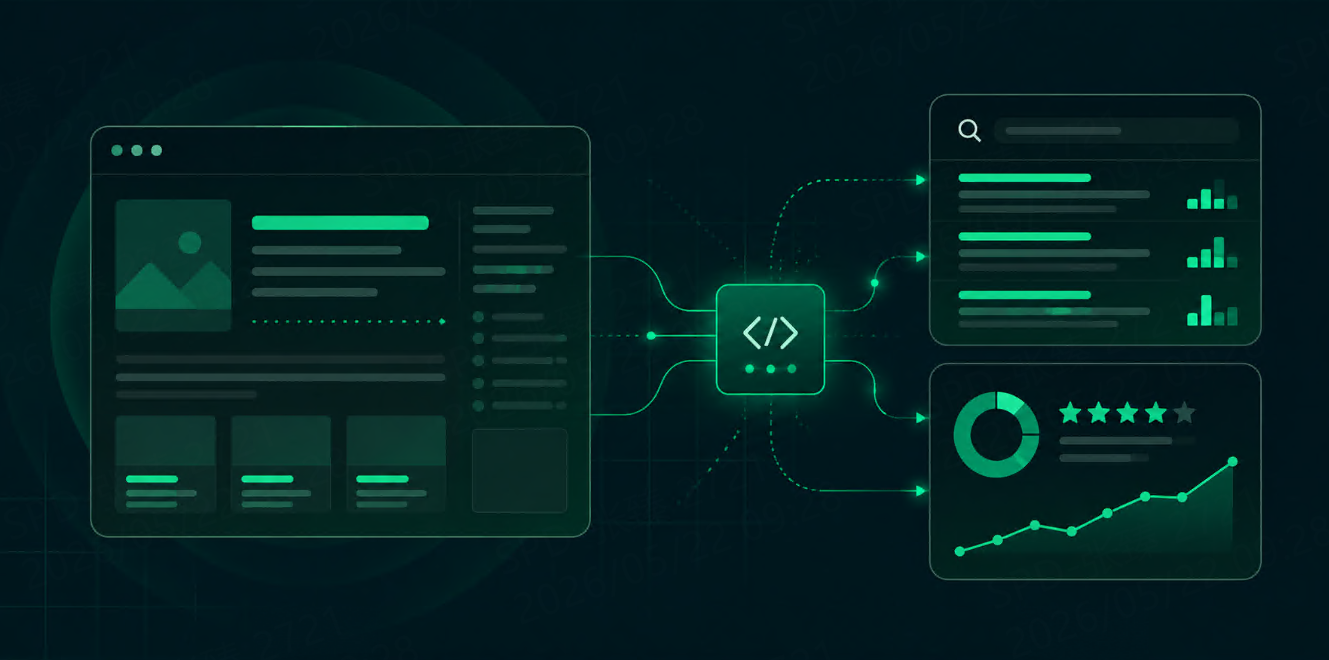
Some of that data comes from SEO platforms. Some comes from your own analytics. But many useful SEO signals live on public web pages and search result pages. A Web Scraping API helps collect that data in a structured way without forcing your team to maintain crawlers, proxies, browsers, and parsing logic from scratch.
The key question is not “Can we scrape pages?”
It is: what SEO data should we collect, and how will we use it?
What Is a Web Scraping API for SEO?
A Web Scraping API helps collect data from public web pages and return it in a usable format.
For SEO teams, this can include competitor pages, blog posts, product pages, category pages, search result pages, review pages, directories, and content hubs.
A basic request may look like this:
{
  "url": "https://example.com/blog/best-project-management-tools",
  "render_js": true,
  "output": "html"
}
The response can then be parsed for title tags, meta descriptions, headings, links, page content, schema markup, prices, product details, or other fields.
For search engine result pages, a SERP API is usually a better fit because it returns rankings, snippets, URLs, ads, People Also Ask, local packs, news, shopping results, and other SERP features in a structured format.
In simple terms:
Tool Type | Best For |
Web Scraping API | Extracting data from websites and pages |
SERP API | Collecting structured search engine result data |
Most serious SEO workflows use both.
What SEO Data Can You Collect?
A Web Scraping API can collect many types of SEO data. The most useful categories are usually competitor content, page metadata, technical signals, SERP data, product data, and content changes.
Data Type | Examples |
Page metadata | Title tag, meta description, canonical URL |
Headings | H1, H2, H3 structure |
Content | Body text, word count, topic coverage |
Internal links | Anchor text, link targets, navigation links |
External links | Outbound links, cited sources |
Structured data | Product, FAQ, Article, Breadcrumb schema |
Product data | Prices, availability, ratings, descriptions |
Competitor pages | Landing pages, blog posts, category pages |
SERP data | Rankings, snippets, URLs, SERP features |
Change data | New pages, updated titles, changed prices |
The value is not just collection. The value is comparing this data over time.
1. Competitor Content Data
Competitor pages can tell you what the market is doing.
You can collect:
Page titles
Meta descriptions
H1 and H2 headings
Blog topics
Content length
FAQ sections
Internal links
CTAs
Updated timestamps
Product or feature language
For example, if three competitors all publish pages around “AI workflow automation,” that may be a signal that the topic is important. If a competitor suddenly adds comparison pages, pricing pages, or integration pages, that may show a shift in acquisition strategy.
This kind of scraping is useful for content gap analysis, landing page research, and market positioning.
2. Title Tags and Meta Descriptions
Titles and descriptions are small, but they matter.
A Web Scraping API can help collect title tags and meta descriptions from your own site and competitor sites.
You can use this data to find:
Missing titles
Duplicate titles
Overlong titles
Weak descriptions
Pages without clear intent
Competitor title patterns
Pages that changed recently
A simple parsed output may look like this:
{
  "url": "https://example.com/features",
  "title": "Project Management Features for Remote Teams",
  "meta_description": "Plan, track, and manage remote team projects with task boards, automations, and reporting.",
  "h1": "Project Management Features"
}
For SEO teams, this is useful because metadata problems are easy to miss when a site has hundreds or thousands of pages.
3. Headings and Content Structure
A page’s heading structure reveals how it explains a topic.
You can collect:
H1
H2
H3
FAQ headings
Comparison sections
Feature blocks
Use case sections
This helps answer questions like:
What subtopics do top competitors cover?
Do our pages miss important questions?
Are competitor pages more specific?
Are they targeting use cases, industries, or integrations?
Are they adding FAQ sections for long-tail queries?
This is especially useful when planning new SEO content or refreshing old pages.
4. SERP Data
A Web Scraping API can sometimes collect search result pages, but for SEO workflows, a SERP API is usually cleaner.
SERP data includes:
Ranking position
Result title
Result URL
Domain
Snippet
Ads
People Also Ask
Related searches
Local packs
News results
Shopping results
Images or videos
This data helps SEO teams understand not only who ranks, but how the whole search page is built.
If you are building a workflow around rankings, snippets, SERP features, and localized results, it is better to test with real queries before scaling.
You can start with 1,000 free SERP API responses >>, or review the API parameters for query, engine, location, language, device, and pagination settings.
5. Product and E-commerce Data
For e-commerce SEO, product data is often just as important as content data.
A Web Scraping API can collect:
Product titles
Prices
Availability
Ratings
Review counts
Product descriptions
Category structure
Seller information
Shipping notes
Promotions
This helps teams monitor competitors, track marketplace changes, and understand which product pages are being optimized.
For example, if competitors frequently update titles, add comparison content, or change pricing language, those changes may affect both SEO and conversion.
6. Technical SEO Signals
Some technical SEO checks can also be automated with scraping.
You can collect:
Status codes
Canonical tags
Meta robots tags
Hreflang tags
Redirect chains
Internal links
Broken links
Pagination links
Schema markup
Page size
Rendered HTML
This is useful for audits, migrations, and monitoring large sites.
A Web Scraping API is especially helpful when pages require JavaScript rendering. Without rendering, your crawler may miss important content that users and search engines can see after the page loads.
7. Page Change Monitoring
SEO is not static.
Competitors change titles, publish new pages, update pricing, remove sections, add FAQs, rewrite product descriptions, and change internal links. A Web Scraping API can help track these changes over time.
Useful change alerts include:
New competitor landing page published
Title tag changed
Pricing section updated
Product availability changed
FAQ block added
Internal links changed
Schema markup removed
Key page redirected
This is useful for competitive intelligence and ongoing SEO monitoring.
Web Scraping API vs SERP API for SEO
Use a Web Scraping API when you need to extract data from websites.
Use a SERP API when you need structured search result data.
Need | Better Choice |
Competitor page content | Web Scraping API |
Product page prices | Web Scraping API |
Metadata audit | Web Scraping API |
Google rankings | SERP API |
People Also Ask | SERP API |
Local search results | SERP API |
Shopping search results | SERP API |
News search results | SERP API |
If your SEO workflow starts from a keyword, use a SERP API first. If it starts from a URL, use a Web Scraping API first.
What to Compare Before Choosing
Before choosing a Web Scraping API for SEO, compare what affects your actual workflow.
Factor | What to Check |
JavaScript rendering | Can it handle dynamic pages? |
Output format | HTML, Markdown, JSON, screenshots, parsed fields |
Reliability | Can it handle blocking and layout changes? |
Speed | Is it fast enough for monitoring jobs? |
Scale | Can it crawl many URLs regularly? |
Parsing support | Can you extract titles, headings, schema, links, prices? |
Scheduling | Can you run recurring jobs? |
Geo-targeting | Can you collect region-specific pages? |
Pricing | Is pricing based on requests, bandwidth, success, or rendering? |
Documentation | Are examples clear enough for developers? |
For SEO teams, clean output and repeatability matter more than flashy features.
Common Mistakes
The first mistake is scraping everything.
Collect only the fields you will use. Too much raw HTML creates storage, parsing, and cleanup problems.
The second mistake is not storing timestamps.
Without timestamps, you cannot track when a title, price, heading, or page section changed.
The third mistake is mixing SERP data and page data without labeling them.
A ranking result and a scraped page are different datasets. Keep query, location, device, URL, and collection time clear.
The fourth mistake is ignoring rendering.
Many modern pages load important content with JavaScript. If your scraping setup does not render pages when needed, the data may be incomplete.
FAQ
What is a Web Scraping API for SEO?
It is an API that helps collect public web page data for SEO workflows, such as metadata, headings, content, links, schema, product data, and competitor page changes.
What SEO data can I collect with a Web Scraping API?
You can collect title tags, meta descriptions, headings, page content, internal links, external links, schema markup, product prices, availability, and page change data.
Is a Web Scraping API the same as a SERP API?
No. A Web Scraping API collects data from web pages. A SERP API collects structured search engine result data such as rankings, snippets, URLs, ads, People Also Ask, and local results.
Can a Web Scraping API help with competitor research?
Yes. It can help collect competitor landing pages, blog topics, metadata, headings, internal links, pricing sections, product content, and page updates.
Final Thoughts
A Web Scraping API can give SEO teams a clearer view of the pages, content, metadata, products, and technical signals that shape search performance.
But it works best when the data collection has a clear purpose.
Use SERP data to understand what appears in search. Use web scraping data to understand what is on the pages. When both datasets are structured and stored with timestamps, SEO teams can move beyond manual checks and build repeatable workflows for research, monitoring, and optimization.