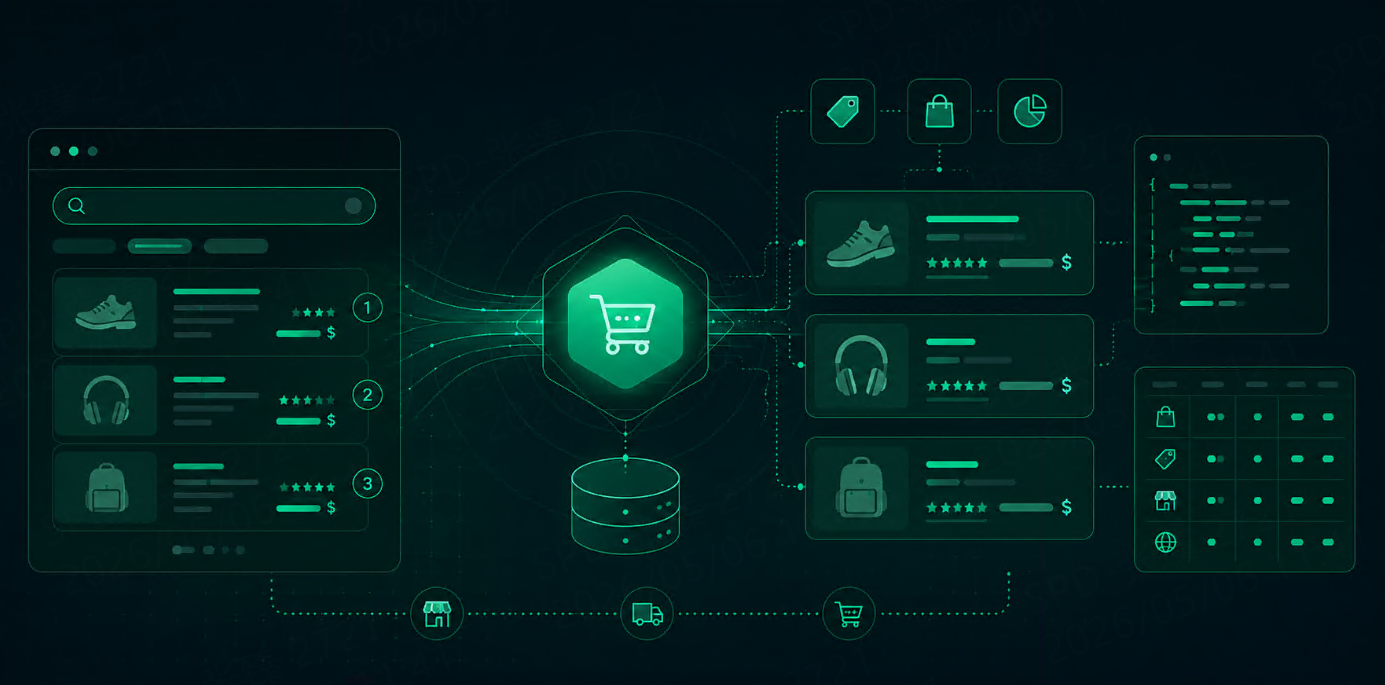
What Is a SERP API Used For? 7 Practical Use Cases That Matter
Learn what a SERP API is used for and explore 7 practical use cases across SEO, competitor monitoring, ecommerce, AI search, local SEO, reporting, and automation.




A SERP API is used to collect search result data in a structured format.
That becomes useful when search is no longer a one-off task. Once a team needs repeated ranking checks, competitor monitoring, product tracking, local search comparisons, or live retrieval for AI systems, manual search stops being practical.
A SERP API solves that by turning search results into structured data that can be stored, compared, and reused.
What a SERP API actually helps teams do
At a basic level, a SERP API helps teams collect:
titles
URLs
snippets
rankings
other visible search result elements
That data can then feed dashboards, reports, monitoring systems, internal tools, and AI workflows.
The real value is not just access. It is repeatability.
1. Rank tracking and SEO monitoring
This is still the most common use case.
SEO teams use SERP APIs to track keyword rankings, watch snippet changes, and compare visibility across target queries. Once the keyword list gets large, manual checks become slow and inconsistent.
The core fields usually include:
ranking position
page title
URL
snippet
query
timestamp
location
That is enough to support recurring rank tracking, visibility reports, and change monitoring.
This is useful for questions like:
Did rankings improve this week?
Which pages lost visibility?
Did the snippet change after an update?
Which competitors moved into the top results?
2. Competitor monitoring
Search results are one of the fastest ways to see who is winning visibility in a category.
A SERP API helps teams monitor competitor presence without checking every query by hand. They can track which domains appear most often, which pages rank for high-value keywords, and where competitor movement starts to show up.
This is useful for:
tracking competitor visibility
spotting new entrants
comparing domain presence across keyword groups
watching shifts in category leaders
For content and growth teams, it answers a simple question: who is showing up, and how often?
3. Ecommerce price and product monitoring
Search data is useful for ecommerce teams because it sits close to buying intent.
A SERP API can be used to collect product visibility, merchant presence, price changes, and shopping-related results. That makes it useful for both daily checks and longer trend analysis.
Common uses include:
product visibility tracking
merchant comparison
price monitoring
offer presentation checks
category-level search reviews
This is not only about pricing. It is also about how products appear, which sellers dominate important queries, and how market positioning changes over time.
4. Search grounding for AI agents and RAG
This is one of the most important newer use cases.
AI systems often need fresher information than a static knowledge base can provide. A SERP API gives them access to current search results that can support retrieval, grounding, and answer generation.
In practice, that usually means collecting:
titles
source URLs
snippets
rankings
search context
This helps with:
search grounding before generation
live retrieval for RAG
answer validation
pulling current context into AI workflows
For many teams, this is where the API stops being a search tool and becomes part of the AI stack.
5. GEO and local search monitoring
Search results are not the same everywhere.
A query can return different results depending on country, city, language, or device context. That makes GEO-sensitive monitoring one of the strongest use cases for a SERP API.
Teams use this for:
local SEO checks
city-level ranking analysis
market-by-market comparison
regional visibility monitoring
localized search research
This is difficult to do well with manual search at scale. A SERP API makes it easier to run the same query across different locations and compare the outputs in a structured way.
6. Internal dashboards and reporting
A lot of search data ends up in internal reporting.
A SERP API helps teams turn search results into dashboards, recurring reports, and monitoring systems. Instead of copying results into spreadsheets, they can collect the data on a schedule and push it into tools the rest of the team can use.
This is useful for:
keyword trend reporting
visibility dashboards
competitor summaries
category snapshots
internal search performance reports
The main benefit here is consistency. Once the collection process is structured, reporting becomes easier to maintain.
7. Search-based automation workflows
Some teams use SERP APIs as part of broader automation.
Search results may trigger alerts, feed other systems, or support internal tools that depend on live search data. This is less visible than rank tracking, but often where APIs save the most time.
Common examples include:
recurring collection jobs
alerts for ranking changes
search-driven content workflows
trend detection systems
internal tools that depend on live search input
This works because a SERP API gives machines structured search data, not pages meant for humans to read.
Quick summary table
Use Case | What Teams Track | Why a SERP API Helps |
|---|---|---|
Rank Tracking | rankings, snippets, visibility | repeatable monitoring |
Competitor Monitoring | domains, ranking changes, presence | easier comparison over time |
Ecommerce Monitoring | product visibility, merchants, pricing | structured search data at scale |
AI Search and RAG | titles, URLs, snippets, rankings | easier grounding and retrieval |
GEO Monitoring | local rankings, regional differences | location-based collection |
Reporting | keyword trends, visibility data | cleaner dashboards and reports |
Automation | recurring jobs, alerts, search inputs | machine-readable output |
What these use cases have in common
These seven use cases look different, but the pattern is the same.
Manual search does not scale. Raw scraping adds maintenance work. Structured output makes search data easier to collect, compare, and reuse.
That is the real reason teams use SERP APIs.
The goal is not only to access search results. It is to turn search results into operational data.
What teams should look for in a SERP API
The best API depends on the workflow, but a few things matter in almost every case.
Output structure
Clean JSON and stable fields reduce cleanup work.
Response speed
This matters most when search is user-facing or happens often.
GEO support
Important for local SEO, regional research, and market-specific tracking.
Cost under repeated use
Entry pricing matters less than production pricing.
Workflow fit
A good SEO API is not always the best fit for AI search. A good ecommerce workflow may not need maximum SERP depth.
For teams running recurring search workflows, Talordata becomes more relevant when they want structured search data with fewer interruptions from geo restrictions or CAPTCHA-related friction during collection.
Final thoughts
A SERP API is useful when search data needs to be collected in a structured, repeatable way.
That can mean rank tracking, competitor monitoring, ecommerce research, AI grounding, local SEO, reporting, or automation.
The use case changes. The pattern does not.
Once search becomes part of a real workflow, structured collection matters a lot more than one-off access.
FAQ
What is a SERP API used for?
A SERP API is used to collect structured search result data for workflows such as SEO monitoring, competitor tracking, ecommerce research, AI retrieval, and automation.
What teams benefit most from using a SERP API?
SEO teams, ecommerce teams, AI teams, and automation-heavy teams benefit most when search data needs to be collected repeatedly.
Can a SERP API be used for AI search and RAG?
Yes. It can provide live search results, titles, URLs, and snippets that support search grounding and retrieval workflows.
Is a SERP API useful for ecommerce monitoring?
Yes. It is commonly used for product visibility tracking, merchant comparison, price monitoring, and shopping-related research.
Why use a SERP API instead of manual search?
Because manual search is too slow and inconsistent for repeated workflows. A SERP API makes collection easier to automate and compare over time.
What should teams compare before choosing a SERP API?
They should compare output structure, response speed, GEO support, cost under repeated use, and overall workflow fit.