How to Scrape Google Maps Reviews
Learn how to approach scrape Google Maps reviews with structured search data workflows, practical steps, best practices, and light API implementation notes.



How to Scrape Google Maps Reviews is a practical topic for teams that depend on search data. Whether the goal is SEO monitoring, AI agent grounding, ecommerce research, or market intelligence, the challenge is the same: collect reliable search signals without turning the engineering team into a scraper maintenance team.
Why This Topic Matters
Search results are a live reflection of what users, competitors, marketplaces, publishers, and search engines are doing right now. For local SEO teams, agencies, reputation managers, and product teams, that makes search data useful for decisions that cannot rely only on historical analytics or static datasets.
The important point is not simply collecting more data. The goal is to collect the right signals consistently, with enough context to compare results across time, markets, and query groups.
Freshness
Search results change quickly. Rankings shift, reviews appear, product pages disappear, competitors publish new content, and AI systems surface different sources. Fresh data helps teams catch these changes early.
Structure
Raw pages are difficult to analyze at scale. Structured fields make it easier to store, compare, filter, and report on search results.
Repeatability
A one-time scrape may answer a single question. A repeatable workflow creates a monitoring system that can support dashboards, alerts, and long-term strategy.
What Data Can You Collect?
For this use case, useful data often includes review text, star rating, reviewer profile, review date, business name, category, address, and location context. The exact fields depend on the search surface, query, market, and provider response format.
When designing your dataset, keep the search context with every result. Store the query, search engine, location, language, device, timestamp, and result type. Without this context, ranking or visibility data becomes hard to interpret later.
Step-by-Step Workflow
Step 1: Define the Business Question
Start with the decision the data should support. Are you trying to monitor rankings, compare competitors, enrich an AI agent, analyze reviews, or build a report for clients? The question determines which queries, locations, and result types matter.
Step 2: Build a Query Set
Create a keyword or prompt list that represents real user intent. Include short keywords, natural-language questions, branded queries, competitor queries, and use-case queries. Group them by topic so you can compare visibility by segment.
Step 3: Choose Search Context
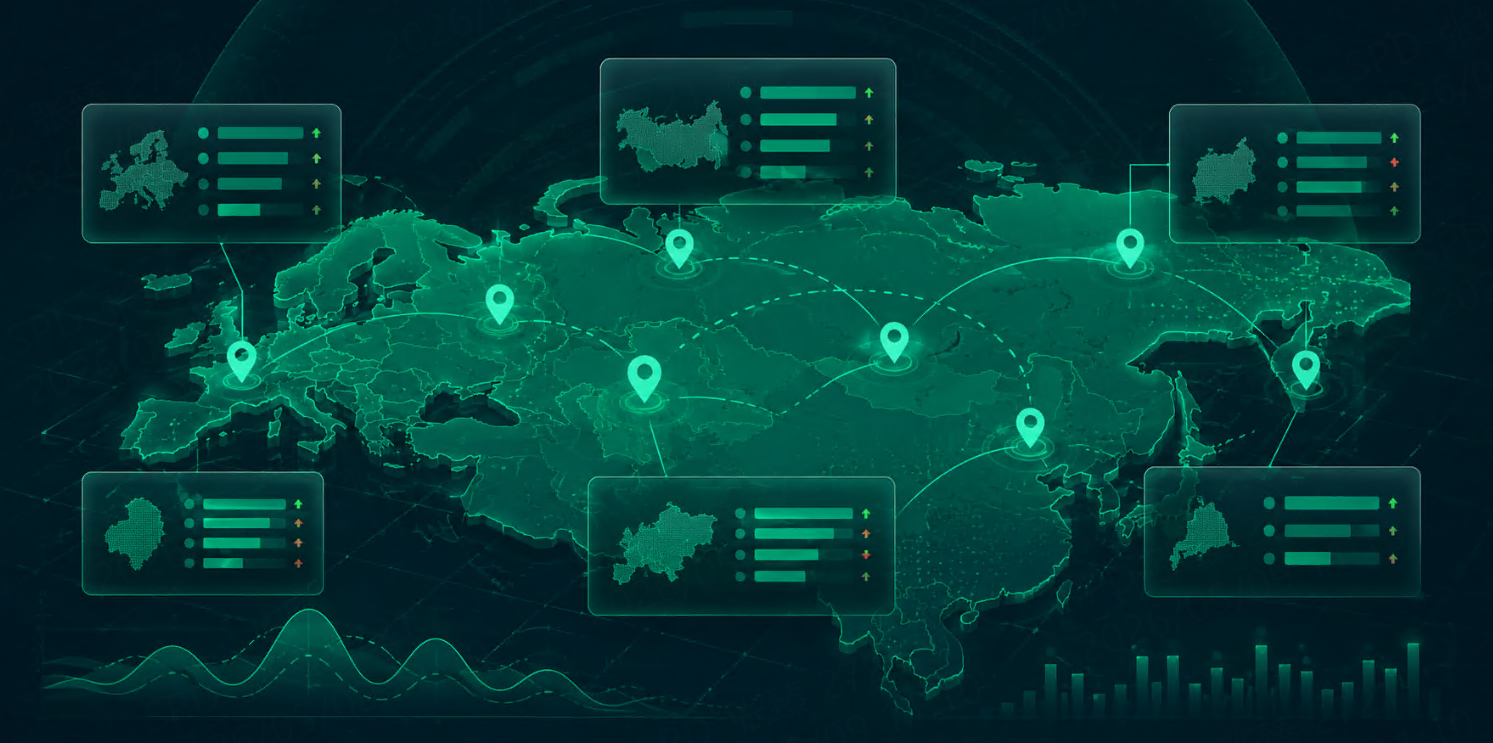
Decide which engines, countries, cities, languages, and result types to monitor. Local and international projects should avoid mixing markets in the same analysis.
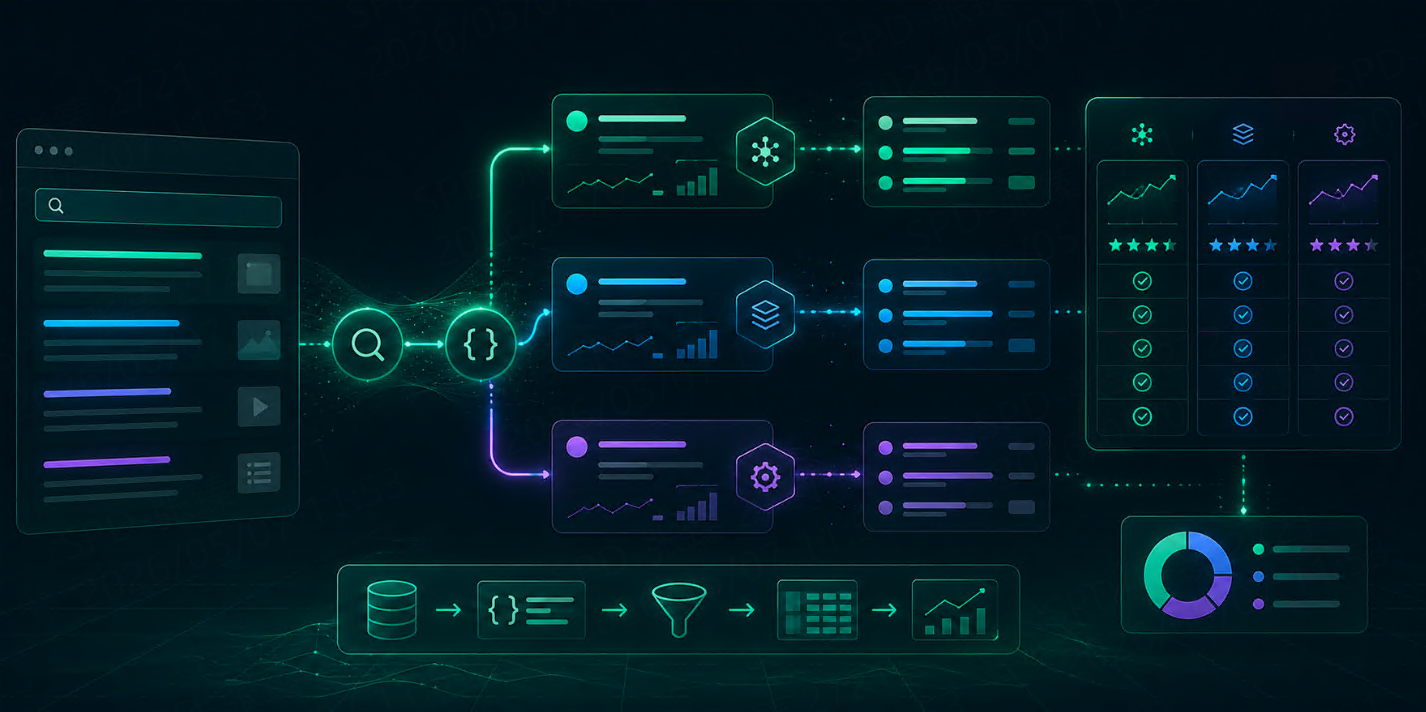
Step 4: Retrieve Structured Results
Use a search results API or a controlled collection pipeline to retrieve results. If you use an API, check the provider documentation for exact endpoint and parameter names. TalorData documents query options in its SERP API query parameters.
const response = await fetch("YOUR_SERP_API_ENDPOINT", {
method: "POST",
headers: {
"Authorization": "Bearer YOUR_API_KEY",
"Content-Type": "application/json"
},
body: JSON.stringify({
q: "scrape Google Maps reviews",
engine: "google",
location: "United States",
language: "en"
})
});
const data = await response.json();
Step 5: Normalize and Store
Normalize titles, URLs, domains, positions, dates, ratings, prices, or other fields before analysis. Keep raw responses as well, because they are useful for debugging and future reprocessing.
Step 6: Monitor Changes
Schedule recurring collection. Daily monitoring works for fast-moving topics; weekly monitoring can be enough for slower markets. Store snapshots so you can compare current visibility with previous periods.
Common Use Cases
This workflow can support reputation monitoring, competitor review analysis, local SEO reporting, location benchmarking, and customer sentiment research. The same foundation can feed SEO dashboards, product strategy, AI agent context, sales research, or competitive intelligence reports.
SEO and Content Teams
SEO teams can identify which pages, domains, and content formats appear most often for target queries. This helps prioritize content updates and new article topics.
AI and RAG Teams
AI agents and RAG systems can use fresh search results as external context. This is useful when model knowledge may be outdated or when answers need cited sources.
Market Intelligence Teams
Analysts can track competitors, emerging publishers, pricing signals, reviews, and topic trends over time.
Best Practices
Keep Query Groups Stable
Changing your query set every week makes trends difficult to read. Add new queries when needed, but keep a stable core group for long-term tracking.
Separate Markets
Do not mix countries, languages, or cities unless your analysis explicitly needs a blended view. Search results are highly local.
Track Sources, Not Just Positions
Ranking position is useful, but source visibility matters too. Track domains, URLs, brands, and result types.
Use Alerts Carefully
Alert on meaningful changes, not every small movement. For example, alert when a competitor appears in the top three results for a high-value query or when a brand disappears from a key topic group.
Tools and API Options
You can build search data workflows with custom crawlers, browser automation, scraping APIs, or SERP APIs. For production work, structured APIs are often easier to maintain because they reduce parsing and infrastructure overhead.
If you evaluate providers, compare search engine coverage, response format, location controls, pricing model, speed, documentation, and support. TalorData is based on response packages and includes a small free trial, but teams should compare options based on their own volume and workflow.
Important Notes
Reviews are sensitive user-generated content. Respect applicable laws, platform terms, privacy expectations, and internal compliance rules.
FAQ
Is this better than building my own scraper?
For experiments, a custom scraper can be fine. For production workflows, APIs usually reduce maintenance, parsing issues, and infrastructure complexity.
How often should I collect data?
Daily collection works for fast-moving markets. Weekly collection may be enough for slower SEO or market research workflows.
What should I store from each result?
Store the result fields plus query, engine, location, language, timestamp, and result type. Context is essential for analysis.
Can this data be used with AI agents?
Yes. Search data can provide fresh context for AI agents, RAG workflows, monitoring reports, and research assistants.
Conclusion
Scraping Google Maps Reviews becomes valuable when it is treated as a repeatable data workflow, not a one-off scrape. Define the questions, collect structured results, preserve context, and track changes over time.
For teams that need a maintained search data layer, a SERP API can help reduce operational work while keeping the focus on analysis and product value.