How to Monitor Sellers and Prices Across Google Shopping
Learn how to monitor sellers and prices across Google Shopping using structured SERP data. Track product visibility, price changes, ratings, reviews, and market trends.
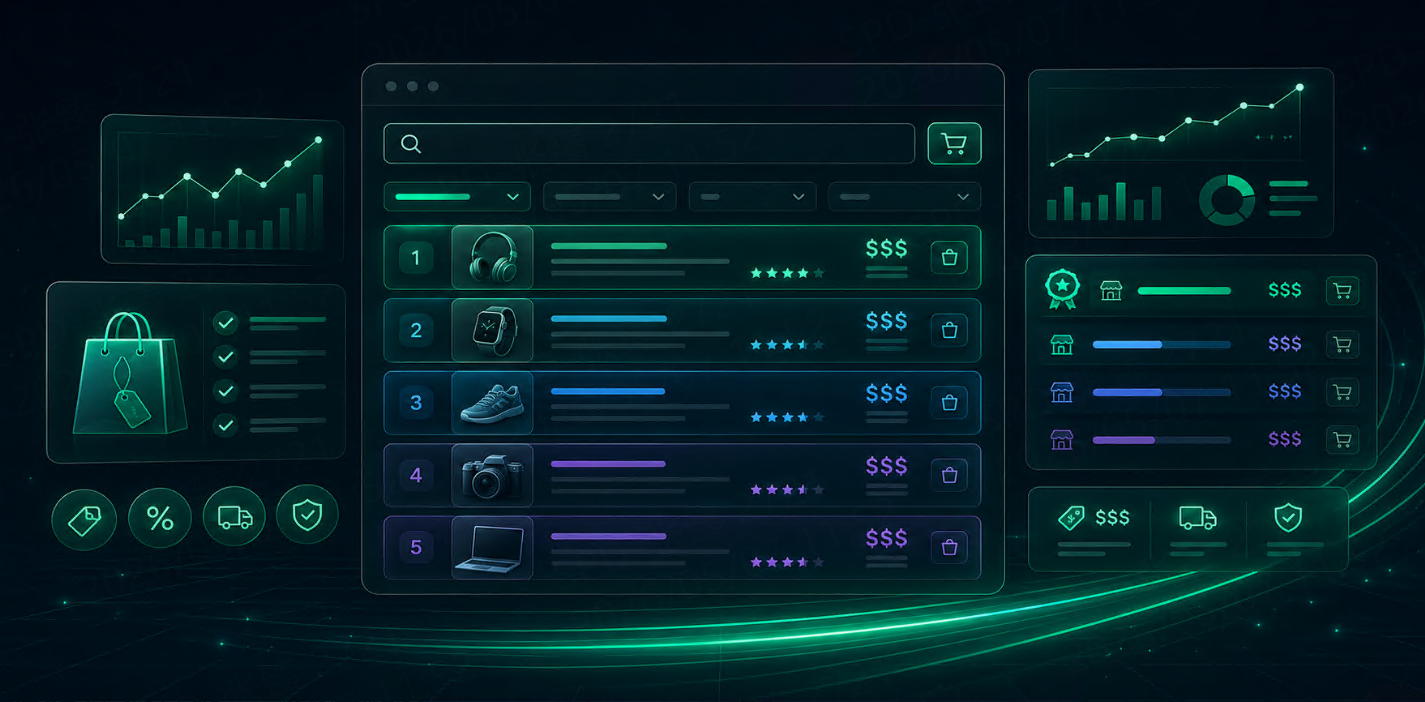



Google Shopping is not only a product discovery surface. For ecommerce teams, it is also a live view of seller competition, pricing changes, product visibility, and offer positioning.
When a user searches for a product, Google Shopping may show different sellers, prices, ratings, delivery messages, and product cards. These details can change by keyword, location, device, and time. If your team only checks results manually once in a while, it is easy to miss pricing gaps, new sellers, or changes in product visibility.
A SERP API helps ecommerce teams monitor sellers and prices across Google Shopping in a structured and repeatable way.
Start with the Business Question
Before collecting data, define what you want to know.
Most Google Shopping monitoring workflows are built around five questions:
Question | Why It Matters |
Which sellers appear for our target products? | Shows seller visibility |
What prices are shown in search results? | Supports pricing analysis |
Which products appear most often? | Measures product visibility |
Are competitors changing prices? | Helps detect market movement |
Do results differ by region? | Supports localized ecommerce decisions |
This matters because pricing is not just a number. In Google Shopping, price is shown together with seller, rating, reviews, shipping, delivery, and ranking position. A lower price does not always mean a stronger offer if the seller has fewer reviews or weaker delivery terms.
What Data Should You Track?
A useful Google Shopping price monitoring workflow should focus on a small set of fields first.
Data Field | Why It Matters |
Keyword | Defines the product or category query |
Product title | Identifies the listed product |
Seller | Shows who is visible |
Price | Tracks offer competitiveness |
Ranking position | Measures product visibility |
Rating | Adds trust context |
Review count | Shows product or seller credibility |
Product link | Connects result to product page |
Image | Helps with product matching |
Shipping or delivery text | Adds offer context |
Location | Shows market differences |
Timestamp | Enables price history |
For most teams, the core fields are product title, seller, price, position, rating, review count, location, and timestamp.
If the team is building a deeper pricing system, shipping, delivery, promotions, and product identifiers may also matter.
Build a Seller and Price Monitoring Workflow
A simple workflow is enough to start. The goal is not to collect every possible product listing. The goal is to collect the same type of data consistently.
Step 1: Choose Product and Category Keywords
Start with the queries that matter to your business.
Examples:
“wireless earbuds”
“running shoes”
“gaming laptop”
“coffee machine”
“standing desk”
branded product names
competitor product names
Group keywords by category, brand, and intent. Product-specific keywords are better for exact price tracking. Category keywords are better for visibility and market comparison.
Step 2: Define Markets and Locations
Google Shopping results can vary by country, region, and language.
If your team sells in multiple markets, track each target market separately. A product may appear in one country but not another. Sellers, prices, availability, and delivery terms may also differ.
Keep location settings consistent. If the same keyword is collected under different locations every week, price history becomes difficult to trust.
Step 3: Collect Google Shopping Data
Use a SERP API to collect structured Google Shopping results for each keyword and market.
A typical request may include:
search query
country or region
language
device
page number
output format
For recurring monitoring, JSON is usually the easiest format because each field can be stored, filtered, and compared.
A SERP API such as Talordata can be used as part of this workflow to collect structured Shopping result data like product titles, sellers, prices, ratings, review counts, positions, and timestamps in a format that can be connected to dashboards or internal reports.
Step 4: Normalize Products and Sellers
Product titles are not always identical across results.
The same product may appear with slightly different names, bundle descriptions, color variants, or storage options. Before comparing prices, teams should normalize product names as much as possible.
For example:
Raw Product Title | Normalized Product |
Sony WH-1000XM5 Wireless Headphones Black | Sony WH-1000XM5 |
Sony WH1000XM5 Noise Canceling Headphones | Sony WH-1000XM5 |
Sony WH-1000XM5 Headphones with Case | Sony WH-1000XM5 |
Seller names may also need cleanup if the same merchant appears with small naming differences.
Without normalization, reports may treat the same product as different products and produce misleading price comparisons.
Step 5: Track Price Changes Over Time
A single price snapshot is useful, but history is more valuable.
Teams should compare:
lowest visible price
average visible price
price by seller
price by product
price by location
price change by week or month
new sellers entering the results
sellers disappearing from results
A simple pricing table may look like this:
Date | Keyword | Product | Seller | Price | Position | Location |
2026-05-01 | wireless earbuds | Product A | Seller 1 | 79.99 | 2 | US |
2026-05-08 | wireless earbuds | Product A | Seller 1 | 74.99 | 1 | US |
2026-05-08 | wireless earbuds | Product A | Seller 2 | 76.99 | 3 | US |
This type of structure helps teams see not only price changes, but also whether lower prices are connected to stronger visibility.
What Should Ecommerce Teams Look For?
Once the data is stored, teams can start looking for patterns.
Seller Visibility
Track which sellers appear most often and which ones rank higher for important product queries.
A seller that appears repeatedly across keywords may be gaining category visibility.
Price Gaps
Compare your visible prices against competitor prices.
Useful signals include:
competitor price drops
widening price gaps
regional price differences
repeated lowest-price sellers
products where your price is no longer competitive
Product Visibility
A product may be available online but rarely appear in Google Shopping results for important terms. That is a visibility issue, not only a pricing issue.
Track ranking position and appearance frequency, not just price.
Review and Rating Context
A low price with weak ratings may not be the strongest offer. A higher-priced product with strong reviews may still perform well.
Price data should be reviewed alongside rating and review count.
Market Differences
If your team sells across countries or regions, compare each market separately. Seller competition and price levels may differ significantly.
Common Mistakes to Avoid
Comparing Prices Without Matching Products
Do not compare similar-looking products unless you are sure they are the same model, package, size, or variant.
Looking Only at the Lowest Price
Lowest price is useful, but it is not the full picture. Visibility, reviews, seller trust, and delivery terms also matter.
Ignoring Ranking Position
If a seller has the lowest price but appears low in the results, its actual visibility may be limited.
Mixing Markets
Do not combine data from different countries or regions unless the report clearly separates them.
Final Thoughts
Monitoring sellers and prices across Google Shopping helps ecommerce teams understand how products compete in search results.
The most useful workflow starts with focused keywords, stable location settings, clean product matching, and repeated data collection. Teams should track seller visibility, price changes, ranking positions, reviews, and regional differences together.
The goal is not just to know who has the lowest price.
The goal is to understand which sellers are visible, how product offers change, and where your ecommerce strategy may need adjustment.
FAQ
What is Google Shopping price monitoring?
Google Shopping price monitoring is the process of tracking product prices, sellers, rankings, ratings, and offer details shown in Google Shopping search results.
What data should ecommerce teams track?
Teams should track product title, seller, price, ranking position, rating, review count, product link, location, and timestamp.
Why track sellers across Google Shopping?
Seller tracking helps teams understand which merchants appear most often, which competitors are gaining visibility, and how seller presence changes over time.
Is price the only important metric?
No. Price should be analyzed together with ranking position, seller visibility, rating, review count, delivery details, and location.
Can a SERP API help monitor Google Shopping data?
Yes. A SERP API can collect structured Google Shopping result data and make it easier to store, compare, and use in ecommerce reports or dashboards.