Web Crawling vs Web Scraping: Which One Fits Your Data Workflow?
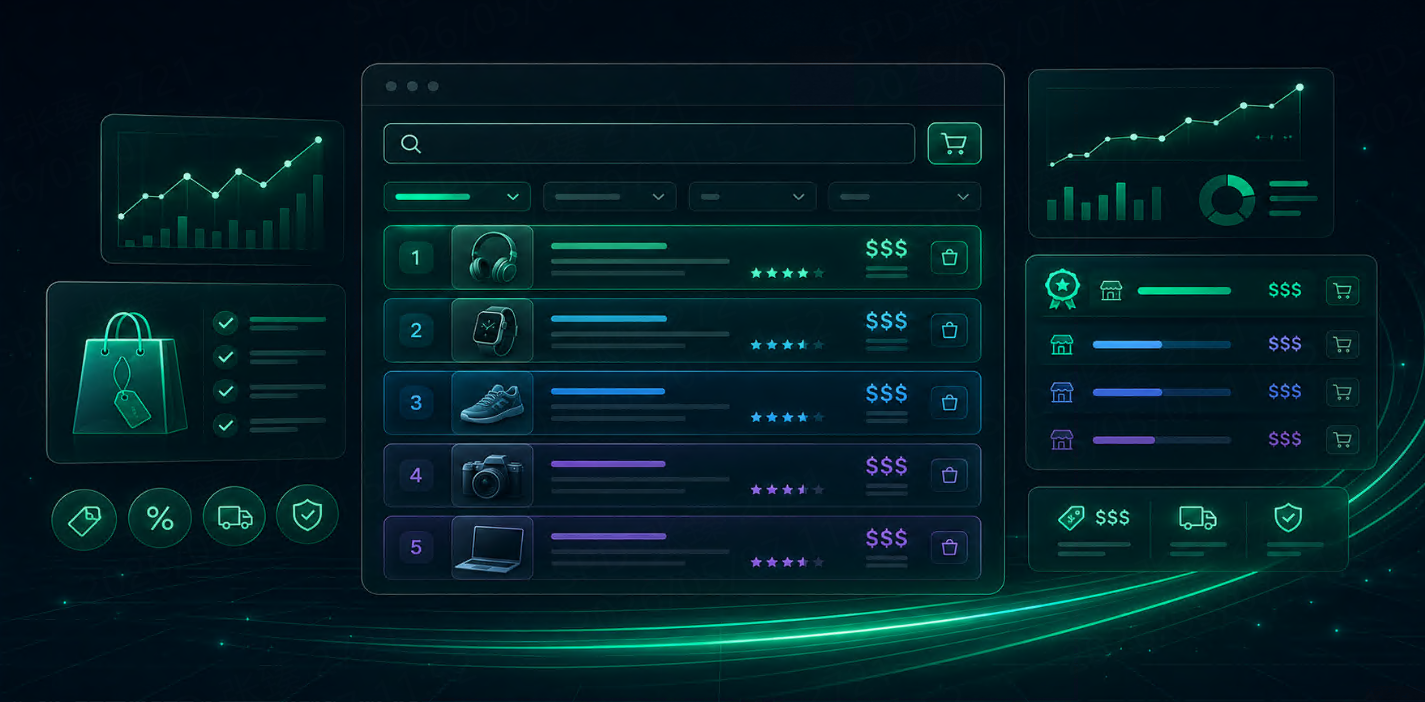
Web crawling focuses on discovering URLs and mapping site structures, while web scraping is designed to extract structured data from specific pages.
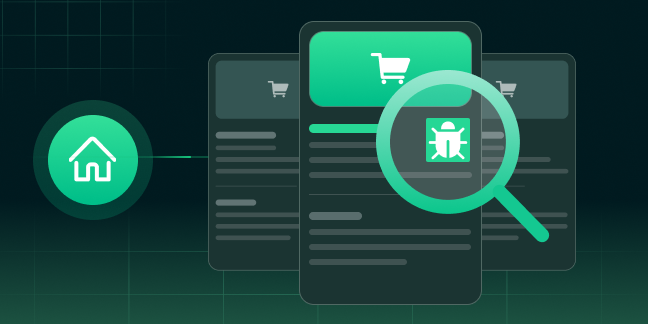



Web crawling and web scraping are often mentioned together, but they are not the same thing. In real-world data pipelines, they solve different problems and require different infrastructure, proxy strategies, and scaling logic.
Web crawling focuses on discovering URLs and mapping site structures, while web scraping is designed to extract structured data from specific pages.
Choosing the right workflow directly affects efficiency, data quality, and request success rates. In this guide, we’ll break down the differences, use cases, and best proxy strategies for SEO monitoring, ecommerce intelligence, and large-scale data collection.
What Is Web Crawling?
Web crawling is the process of automatically discovering web pages by following links, sitemaps, pagination, and internal site structures.
A crawler starts with one or more seed URLs, visits those pages, extracts additional links, and recursively follows them to build a larger map of the website.
How web crawling works
A standard crawling workflow includes:
seed URL input
URL queue scheduling
link extraction
duplicate URL filtering
robots.txt and sitemap handling
crawl depth control
recursive traversal
The goal is usually coverage, not detailed field extraction.
Common use cases of web crawling
Web crawling is widely used for:
search engine indexing
SEO rank discovery
website structure audits
competitor site mapping
category page discovery
seller or listing discovery
new content detection
For example, if you want to monitor all new product pages added to a large marketplace, crawling is the first step.
Challenges in large-scale crawling
As websites scale, crawling becomes more complex.
Common issues include:
duplicate URLs
endless filters and pagination loops
crawl traps
URL parameter explosions
IP rate limits
request bans
crawl scheduling inefficiencies
This is where rotating residential proxies become critical for maintaining scale.
What Is Web Scraping?
Web scraping begins after the relevant pages are already known.
Instead of discovering URLs, scraping focuses on extracting structured fields from specific pages.
How web scraping works
A scraping workflow typically includes:
page fetching
HTML parsing
CSS/XPath selection
JavaScript rendering if needed
field normalization
structured output
CSV / JSON / database export
For example, from a product page, a scraper may extract:
title
price
SKU
stock
rating
seller
shipping details
Common use cases of web scraping
For Talordata’s target audience, scraping is often used for:
ecommerce price monitoring
product catalog collection
competitor stock tracking
review aggregation
localized SERP extraction
ad verification
lead generation
market research dashboards
Challenges in modern web scraping
Modern websites make scraping harder than before.
Common challenges include:
dynamic JavaScript rendering
anti-bot systems
CAPTCHA
geo restrictions
login-required content
API obfuscation
personalized pricing
browser fingerprint detection
This is why proxy quality matters significantly.
Web Crawling vs Web Scraping: 7 Key Differences
Although both are part of data collection, the workflows differ in major ways.
Goal: discovery vs extraction
Crawling: find pages and URLs
Scraping: extract data fields from those pages
Scale and infrastructure
Crawlers rely heavily on:
URL queues
distributed schedulers
depth logic
deduplication
Scrapers focus more on:
field parsers
rendering pipelines
output validation
schema mapping
Data output
Crawling usually outputs:
URL inventories
site maps
page relationships
Scraping outputs:
structured datasets
product tables
ranking records
price histories
Proxy and IP requirements
This is especially important.
For crawling:
high request throughput
fast IP rotation
broad pool diversity
For scraping:
rotation + session persistence
geo targeting
stable sessions for multi-step workflows
Anti-bot detection risk
Scraping often triggers more advanced defenses because it repeatedly targets high-value pages.
JavaScript complexity
Scraping usually requires:
headless browsers
API endpoint interception
DOM rendering
Crawling often works with simpler HTML link discovery.
Storage and pipeline design
Crawling supports discovery databases and graph structures.
Scraping feeds:
data warehouses
BI dashboards
pricing engines
alert systems
When to Use Web Crawling
Web crawling is best when your goal is coverage and discovery.
SEO and SERP monitoring
Use crawling for:
SERP URL discovery
competitor page expansion
internal linking audits
content gap mapping
Marketplace and website discovery
Crawling works well for:
new seller detection
new listing discovery
category expansion monitoring
marketplace expansion research
Competitor site mapping
If you need to understand how competitors structure categories, landing pages, or knowledge centers, crawling is the right approach.
When to Use Web Scraping
Scraping is ideal when your goal is data extraction and monitoring.
Ecommerce price monitoring
This is one of the highest-value scraping workflows.
Teams scrape:
regional prices
discounts
shipping costs
seller changes
stock status
Product data collection
Scraping helps collect:
product specs
ratings
reviews
bundle offers
variant data
Ad verification and localized search
For localized campaigns, scraping can verify:
geo-targeted SERP positions
local ad placements
competitor creatives
region-specific landing pages
Lead generation and review intelligence
Many B2B teams scrape:
business listings
contact pages
software directories
public review sites
How Proxy Strategy Changes Between Crawling and Scraping
The proxy layer should match the workflow.
Rotating residential proxies for large-scale crawling
For crawling, the priority is:
large request volume
broad domain coverage
lower ban rates
faster URL discovery
Rotating residential proxies are ideal here because they distribute requests naturally across a large IP pool.
Sticky sessions for stateful scraping workflows
For scraping workflows involving:
login sessions
cart persistence
multi-page checkout flows
loyalty pricing
member dashboards
sticky sessions are often more reliable.
Static ISP proxies for long monitoring tasks
Static ISP proxies work best for:
account-based monitoring
browser automation
anti-detect browser workflows
long-running marketplace checks
This is especially useful for seller intelligence and multi-account operations.
Real-World Workflows: Ecommerce, SEO, and Market Research
The most effective data systems combine both methods.
Ecommerce competitor monitoring
crawl category pages
discover product URLs
scrape price and stock data
SEO SERP tracking pipelines
crawl search result URLs
scrape ranking positions
monitor regional SERP changes
Market intelligence dashboards
crawl source pages
scrape structured business metrics
feed BI tools
This hybrid model is common in enterprise-grade data pipelines.
Common Mistakes to Avoid
Treating crawling and scraping as the same workflow
This often leads to poor architecture decisions.
Using the wrong proxy type
Rotation-heavy crawling and stateful scraping require different IP strategies.
Ignoring JavaScript and APIs
Many modern sites expose data through hidden APIs rather than raw HTML.
Scaling too fast without rotation logic
Even the best scraper fails if IP rotation rules are poorly designed.
How Talordata Supports Both Crawling and Scraping
Talordata is well-suited for both workflows.
For large-scale URL discovery, rotating residential proxy pools help maintain request diversity and improve crawl success rates.
For complex data extraction workflows, sticky sessions and static ISP proxies provide better continuity across login-based or multi-step tasks.
For localized SEO, ecommerce, and ad intelligence, Talordata’s geo-targeted residential proxies help teams capture more accurate regional datasets.
This makes it easier to build stable pipelines for:
SERP monitoring
ecommerce price intelligence
marketplace discovery
cross-border research
seller monitoring
Final Thoughts
Web crawling and web scraping are not competing methods—they are complementary parts of modern data collection.
Use crawling when you need discovery and scale.
Use scraping when you need structured data extraction.
In many workflows, the best approach is to combine both:
crawl first
scrape second
optimize proxies based on workflow state
For growing data teams, the right proxy strategy often determines whether the pipeline scales smoothly or gets blocked.
FAQ
Is web crawling the same as web scraping?
No. Crawling discovers pages, while scraping extracts structured data from known pages.
Which is better for ecommerce price monitoring?
Most teams use both—crawling to discover product pages and scraping to extract pricing data.
Do crawling and scraping need different proxies?
Yes. Crawling often needs fast rotation, while scraping may need sticky or static sessions.
Is web crawling faster than web scraping?
Usually yes, because it focuses on URL discovery instead of field extraction.
Can I combine crawling and scraping in one workflow?
Absolutely. Most advanced data pipelines combine both for better coverage and accuracy.