SerpApi vs ScrapingBee vs Talordata: Which API Should You Choose?
Compare SerpApi, ScrapingBee, and Talordata by workflow: SERP data, web scraping, SEO monitoring, AI agents, structured output, pricing logic, and developer experience.
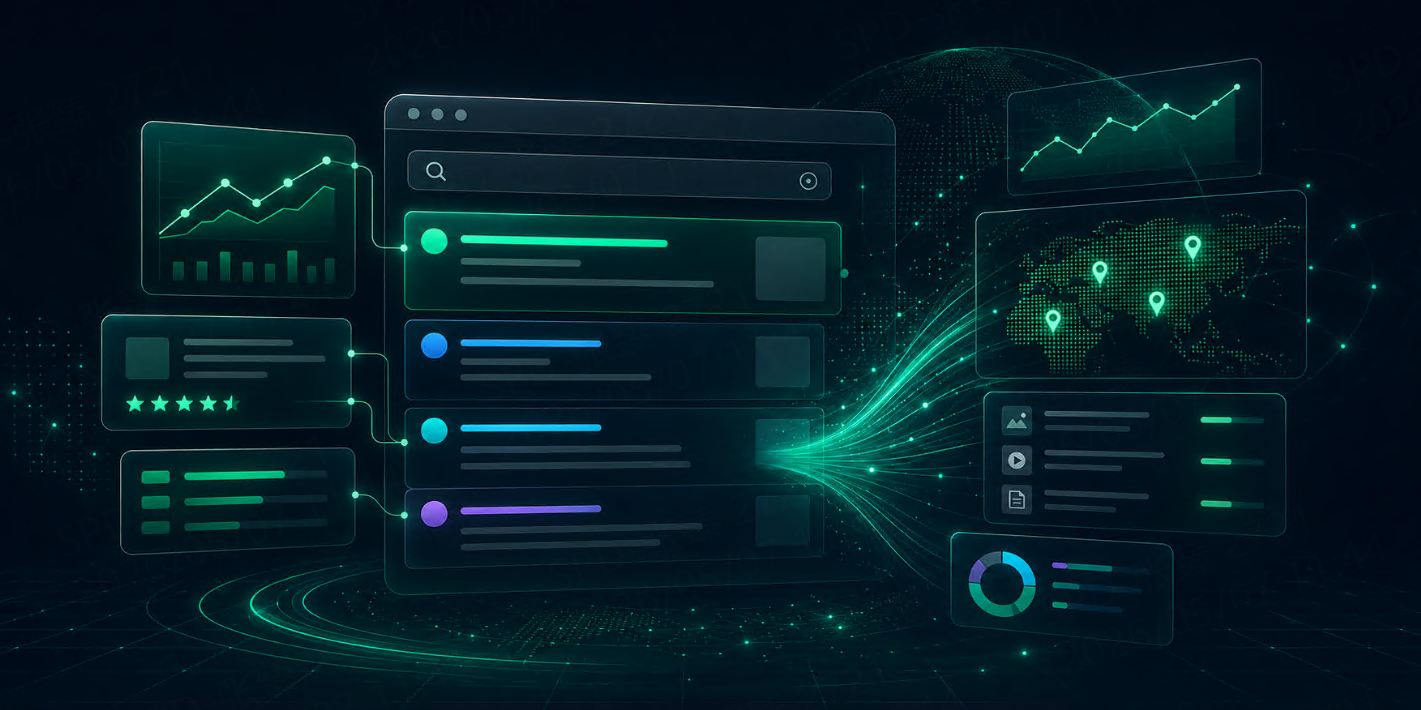



SerpApi, ScrapingBee, and Talordata are often compared by teams that need web data. But they do not solve the exact same problem.
SerpApi is built around search engine results. Its Google Search API returns structured JSON for organic results, local results, ads, knowledge graph, direct answers, images, news, shopping, video results, and more.
ScrapingBee is closer to a general Web Scraping API. It focuses on fetching web pages, rendering JavaScript in headless Chrome, rotating proxies, using premium proxies, setting geolocation, and capturing rendered output when needed.
Talordata SERP API focuses on structured search result data across Google, Bing, Yandex, and DuckDuckGo. Its product page highlights pay-per-successful-request billing, JSON / HTML output, geo-targeted SERP data, and use cases such as SEO analysis, competitor tracking, and AI agents.
So the question is not simply “Which API is better?”
The better question is:
Does your workflow start from a search query, a URL, or an AI task that needs fresh search context?
Quick Answer
If Your Workflow Needs... | Better Fit |
Broad SERP endpoint coverage | SerpApi |
General webpage scraping and JavaScript rendering | ScrapingBee |
Structured SERP data for SEO, monitoring, and AI workflows | Talordata |
Raw HTML from arbitrary websites | ScrapingBee |
Google Search, Shopping, Local, News, or Maps data | SerpApi or Talordata |
Search context for AI agents and RAG | Talordata or SerpApi |
Page screenshots, rendered output, or browser-like interactions | ScrapingBee |
If your task starts with a search query, compare SERP APIs first.
If your task starts with a URL, compare Web Scraping APIs first.
If your task needs search results as structured data, avoid treating raw HTML scraping as the default path.
What Is SerpApi?
SerpApi is a mature SERP API provider with broad search endpoint coverage.
Its Google Search API supports parameters such as query, location, language, device, pagination, cache control, and output format. It can return JSON or raw HTML, but its main value is structured SERP data.
SerpApi is useful when you need:
Google Search results
Organic result parsing
Local results
Ads
Knowledge graph
Direct answers
Images, news, shopping, and video results
Many search-specific endpoints
Developer examples across multiple languages
SerpApi is especially strong when your product depends on detailed SERP coverage and many vertical search endpoints. For example, its Google Shopping API extracts fields such as position, title, product link, source, price, rating, reviews, thumbnail, tags, and more.
The tradeoff is that SerpApi may be more than you need if your workflow only requires basic search results or a smaller set of search engines.
What Is ScrapingBee?
ScrapingBee is a general Web Scraping API.
It is designed for teams that need to fetch pages from the web without building their own proxy infrastructure or browser rendering stack. ScrapingBee supports JavaScript rendering in a headless browser, custom browser-like behavior, proxy rotation, premium proxies, country-level geolocation, screenshots, and extraction workflows.
ScrapingBee is useful when you need:
HTML from arbitrary web pages
JavaScript rendering
Headless browser behavior
Proxy rotation
Geotargeting
Screenshots or rendered output
Product page scraping
Competitor page monitoring
Custom website extraction
ScrapingBee is usually a better fit when the target is a web page URL, not a search result page.
For example, if you need to scrape a product page, category page, blog post, directory, or page that requires JavaScript rendering, ScrapingBee is closer to the right tool.
The tradeoff is that if your goal is structured SERP data, raw page scraping can create extra work. Your team may still need to parse search layouts, extract ranking fields, detect SERP features, handle localization, and keep selectors updated.
What Is Talordata SERP API?
Talordata SERP API is built for structured search results.
It supports major search engines such as Google, Bing, Yandex, and DuckDuckGo, with JSON / HTML response formats, geo-targeted SERP data, and pay-per-successful-request billing. Its product positioning is focused on SEO analysis, competitor tracking, market monitoring, and AI agent workflows.
Talordata is useful when you need:
Google and Bing search data
Multi-engine SERP collection
Localized search results
SERP data for RAG workflows
JSON or HTML output
Structured results that can move into dashboards, databases, or reports
Talordata is not meant to replace a full browser automation tool. If you need login flows, screenshots, PDF generation, custom page actions, or arbitrary page scraping, a Web Scraping API or browser automation platform may be more suitable.
But if your workflow is about search visibility, local rankings, shopping results, news results, competitor SERPs, or AI search grounding, Talordata fits the task more directly than a general scraping tool.
Quick Comparison Table
Factor | SerpApi | ScrapingBee | Talordata |
Primary category | SERP API | Web Scraping API | SERP API |
Best starting input | Search query | URL | Search query |
Main output | Structured SERP JSON | HTML, rendered pages, extraction output | Structured SERP data |
Search engine focus | Very broad SERP endpoints | Limited compared with SERP-first tools | Google, Bing, Yandex, DuckDuckGo |
Webpage scraping | Not the main focus | Strong fit | Not the main focus |
JavaScript rendering | Not the main use case | Strong fit | Not the main use case |
SEO rank tracking | Strong fit | Possible but parsing-heavy | Strong fit |
AI / RAG search context | Strong fit | Useful for page extraction | Strong fit |
Best for | Search-heavy products | Website scraping workflows | SEO, monitoring, AI search workflows |
SERP API vs Web Scraping API: The Main Difference
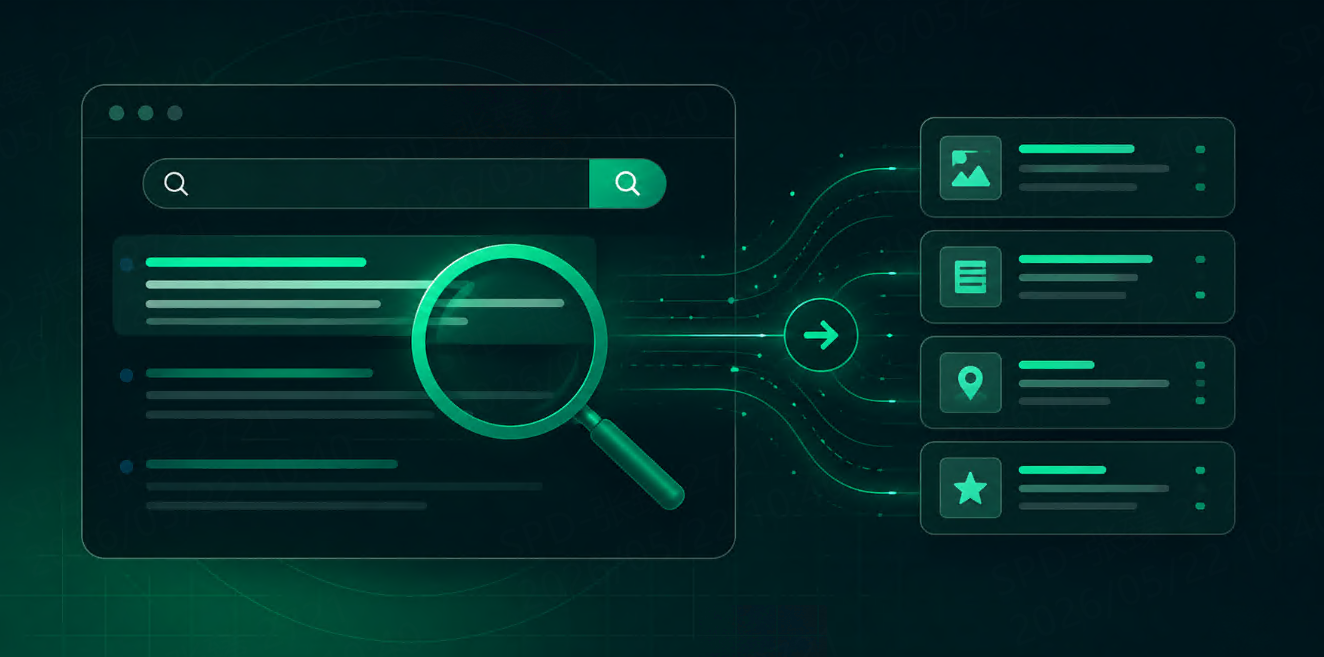
A SERP API collects search engine result pages and returns structured search data.
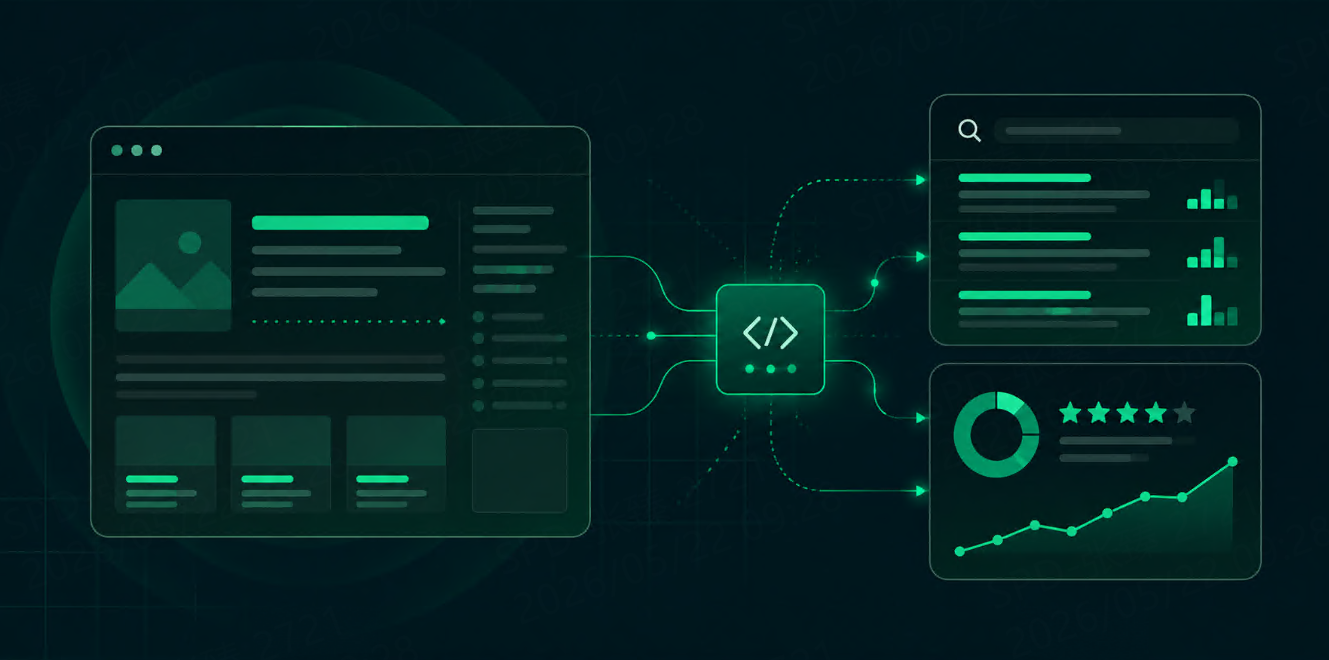
A Web Scraping API fetches web pages and helps you extract data from them.
That difference matters.
If you search:
best CRM software for small business
A SERP API should return structured search results:
{
  "position": 1,
  "title": "Best CRM Software for Small Businesses",
  "url": "https://example.com/crm-comparison",
  "domain": "example.com",
  "snippet": "Compare CRM tools for pricing, automation, and sales teams.",
  "result_type": "organic"
}
A Web Scraping API is better when you already know the URL:
{
  "url": "https://example.com/crm-comparison",
  "render_js": true,
  "output": "html"
}
The clean rule:
Use a SERP API to discover and monitor search results. Use a Web Scraping API to extract data from known pages.
SEO Use Cases
For SEO teams, SerpApi and Talordata are usually more direct fits than ScrapingBee when the job is rank tracking or SERP monitoring.
Useful SEO fields include:
Query
Location
Language
Device
Ranking position
Title
URL
Domain
Snippet
Result type
Shopping result data
News result data
Timestamp
ScrapingBee can still be useful after SERP discovery. For example, you can use a SERP API to find ranking URLs, then use a Web Scraping API to extract content, headings, schema, internal links, or pricing information from those pages.
A practical SEO workflow may look like this:
SERP API → discover ranking pages
Web Scraping API → analyze page content
Database → track changes over time
Dashboard → report rankings, competitors, and page updates
AI Agent and RAG Use Cases
AI agents and RAG systems need fresh context.
The model may already know general concepts, but it does not reliably know today’s prices, product changes, news, rankings, local results, or competitor updates.
For AI workflows, the useful search fields are usually:
Field | Why It Matters |
Title | Helps summarize source relevance |
URL | Needed for citation and page retrieval |
Snippet | Gives quick context |
Domain | Helps evaluate source diversity |
Result type | Separates organic, news, shopping, local |
Location | Important for market-specific answers |
Timestamp | Helps avoid stale context |
Talordata and SerpApi are better source-discovery layers. ScrapingBee is useful after source discovery, when the agent needs to fetch and process the full page.
A cost-efficient AI workflow may look like this:
User asks current question
→ SERP API gets top 3–5 search results
→ Filter by relevance and domain diversity
→ Scraping API fetches only selected pages
→ RAG or LLM uses cleaned context
This avoids fetching every page blindly.
Pricing: What Should You Actually Compare?
Do not compare only plan names.
Compare cost by usable data.
For SERP APIs, look at:
Cost per successful response
Included query volume
Whether failed requests are billed
Whether advanced result types cost more
Location and device combinations
Refresh frequency
Pagination depth
For Web Scraping APIs, look at:
Credit cost per request
JavaScript rendering cost
Premium proxy cost
Geotargeting cost
Retry cost
Screenshot or extraction cost
Clean success rate
ScrapingBee’s documentation notes that JavaScript rendering is enabled by default and costs 5 credits per request; it also recommends using render_js=false when a browser is not needed.
That detail matters. If your pipeline sends every URL through browser rendering, the real cost may be much higher than expected.
For SERP APIs, the same logic applies to locations and result types. Running every query across 20 countries, two devices, and multiple verticals can quickly multiply usage.
Developer Experience
SerpApi has mature search-specific documentation and many examples for SERP endpoints. Its Google Search API documentation clearly separates parameters, results, JSON output, HTML output, and advanced options.
ScrapingBee is easier to understand if your team thinks in URLs. Send a page URL, decide whether to render JavaScript, choose proxy and geotargeting options, and receive page output.
Talordata is easier to understand if your team thinks in search workflows: query, engine, location, language, output format, and structured search data. Its product page highlights a multi-engine SERP API with structured results from Google, Bing, Yandex, and DuckDuckGo.
When testing developer experience, use your real workflow:
Can you get the first response quickly?
Are the fields clear?
Is the output stable enough for your database?
Does it support the locations and engines you need?
Can your team debug failed or unexpected responses?
Does the API reduce parsing work?
Which API Should You Choose?
Choose SerpApi if:
You need broad SERP endpoint coverage.
You depend on many Google search surfaces.
You need mature search-specific documentation.
Your workflow is built around search result parsing.
Your team needs specialized SERP fields across many verticals.
Choose ScrapingBee if:
Your workflow starts from URLs.
You need to scrape arbitrary web pages.
You need JavaScript rendering.
You need browser-like behavior, screenshots, or page extraction.
You need proxy rotation and geotargeting for website scraping.
Choose Talordata if:
Your workflow starts from search queries.
You need structured SERP data for SEO or monitoring.
You need Google, Bing, Yandex, or DuckDuckGo data.
You need search context for AI agents or RAG workflows.
You want structured search output that can move into dashboards, databases, or reports.
For teams building search data pipelines, a small test is better than reading feature lists.
Try this:
10 queries
× 3 locations
× desktop and mobile
× organic + local + shopping or news if needed
Then compare:
Missing fields
Response consistency
Clean success rate
Parsing effort
Cost per usable result
Integration time
Fit with your actual workflow
For teams testing SERP workflows, start with a small batch of real queries and check whether the response includes query, engine, location, language, device, position, title, URL, snippet, domain, result type, and timestamp. You can start with 1,000 free responses >>, or review the SERP API parameters before connecting search data to your SEO, monitoring, or AI workflow.
FAQ
Is SerpApi the same as ScrapingBee?
No. SerpApi is mainly a SERP API for search result data. ScrapingBee is mainly a Web Scraping API for fetching and rendering web pages.
Is Talordata closer to SerpApi or ScrapingBee?
Talordata is closer to SerpApi because both focus on structured SERP data. ScrapingBee is closer to a general web scraping and rendering tool.
Which API is better for SEO rank tracking?
SerpApi and Talordata are more direct fits for SEO rank tracking because they return structured SERP fields. ScrapingBee can support SEO workflows when you need to scrape the pages that already rank.
Which API is better for AI agents?
For search discovery and fresh web context, Talordata or SerpApi are usually better. For extracting full content from selected URLs, ScrapingBee can be useful.
Should I use both a SERP API and a Web Scraping API?
Often, yes. Use a SERP API to discover search results. Use a Web Scraping API to extract data from selected pages. This two-step workflow is cleaner and usually cheaper than scraping everything blindly.
Final Thoughts
SerpApi, ScrapingBee, and Talordata should not be judged as if they were the same product.
SerpApi is a strong SERP API for broad search endpoint coverage. ScrapingBee is a strong Web Scraping API for URL-based page extraction and rendering. Talordata is a strong option for structured SERP data across SEO, monitoring, and AI search workflows.
The best choice depends on where your workflow starts.
If it starts from a search query, compare SERP APIs.
If it starts from a URL, compare Web Scraping APIs.
If it starts from an AI task that needs fresh search context, use a SERP API first, then fetch only the pages that matter.
That is the cleanest way to choose the right API without overpaying for the wrong kind of data infrastructure.