Google Shopping SERP API: A Practical Guide for Ecommerce Teams
Learn how ecommerce teams use Google Shopping SERP APIs to collect product data, track prices, compare sellers, monitor product visibility, and support ecommerce research and AI workflows.
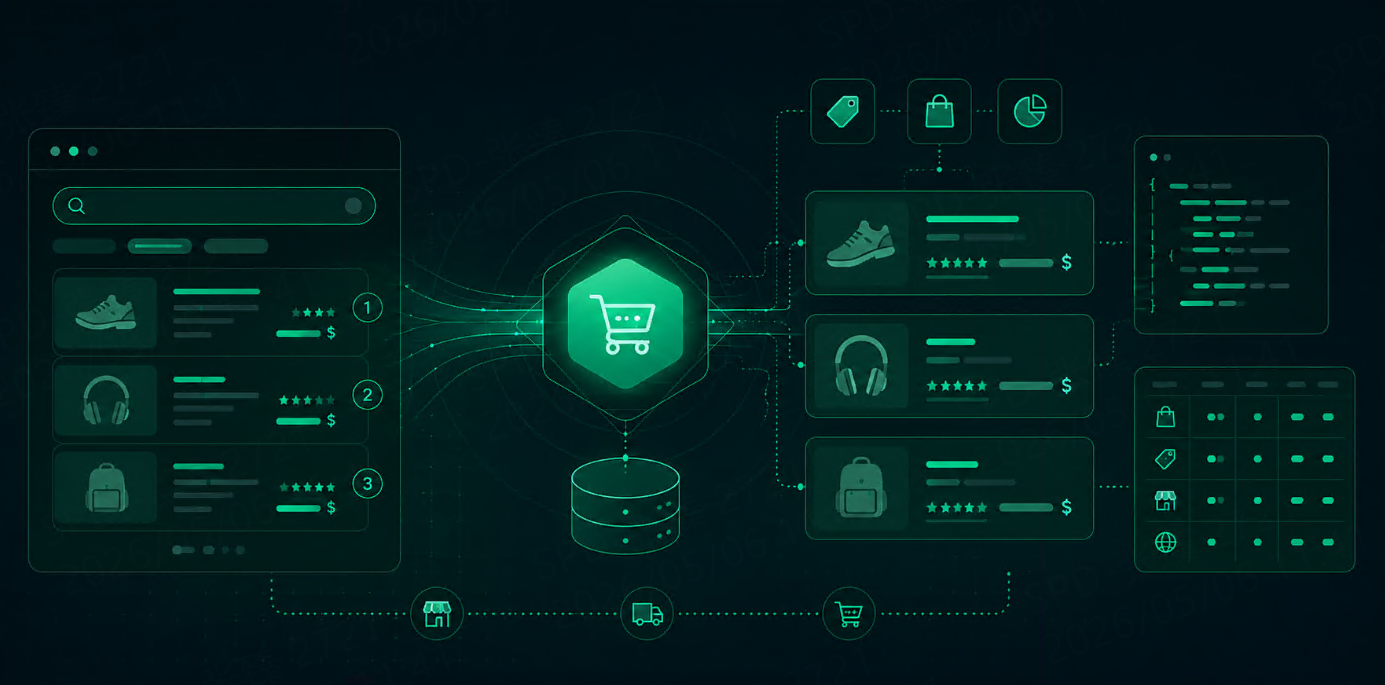



A Google Shopping SERP API helps ecommerce teams collect structured product data from Google Shopping search results.
Instead of manually checking product listings, prices, sellers, ratings, and positions, teams can use an API to collect that data repeatedly and at scale. This is useful for price monitoring, product visibility tracking, competitor analysis, marketplace research, and AI-powered ecommerce workflows.
For ecommerce teams, Google Shopping data is valuable because it shows how products appear in real search results. It can reveal which sellers are visible, how prices change, which products rank higher, and how market competition shifts across locations or categories.
What Is a Google Shopping SERP API?
A Google Shopping SERP API is an API that collects Google Shopping search result data and returns it in a structured format.
A typical response may include:
product title
price
seller
product link
product image
rating
review count
delivery or shipping information
ranking position
product ID or result token
location or market context
The exact fields depend on the API provider and the available search result data.
The main value is that ecommerce teams can turn Google Shopping results into data that can be stored, compared, and used in business workflows.
Why Ecommerce Teams Use Google Shopping SERP APIs
Google Shopping results are close to purchase intent.
When users search for products, Google Shopping often shows product cards, sellers, prices, ratings, delivery details, and product links. These signals can help ecommerce teams understand how their products and competitors appear in the market.
A Google Shopping SERP API is useful for teams that need to answer questions like:
Which products appear for important search terms?
Which sellers are visible most often?
How do prices change over time?
Which products rank higher in different regions?
Are competitors offering lower prices or better shipping?
Does product visibility change by country or market?
Manual checks can answer a few of these questions once. An API can answer them repeatedly.
What Data Should Ecommerce Teams Track?
Not every field is equally useful. Most ecommerce workflows start with a focused set of product and visibility fields.
Data Point | Why It Matters | Common Use Case |
Product Title | Identifies the listing | product matching |
Price | Shows market movement | price monitoring |
Seller | Shows merchant visibility | seller analysis |
Rating | Measures trust signal | market research |
Review Count | Shows product popularity | product benchmarking |
Product Link | Connects to product detail | data enrichment |
Image | Helps visual matching | catalog analysis |
Ranking Position | Measures visibility | ecommerce SEO |
Shipping / Delivery | Affects purchase choice | offer comparison |
Location | Shows market differences | regional monitoring |
For most teams, the starting fields are product title, price, seller, rating, review count, product link, ranking position, and location.
These fields are enough to build useful reports for pricing, visibility, and competitor tracking.
Common Use Cases
Price Monitoring
Price monitoring is one of the strongest use cases.
Ecommerce teams can track product prices across sellers, categories, and markets. This helps them understand whether competitors are lowering prices, whether price gaps are widening, and whether their own offers remain competitive.
A good price monitoring workflow should track price changes over time, not just one-time snapshots.
Product Visibility Tracking
Google Shopping visibility is not only about whether a product exists. It is also about where it appears.
Teams can track ranking position, product presence, seller visibility, and keyword coverage. This helps answer whether a product is actually visible for high-value search terms.
For example, a product may be available online but rarely appear for important category queries. That is a visibility problem.
Competitor and Seller Analysis
Google Shopping data can show which sellers dominate a category.
Teams can compare:
which sellers appear most often
which products they promote
how their prices compare
how ratings and reviews differ
which markets they are strongest in
This is useful for ecommerce brands, marketplaces, retailers, and pricing teams.
Market Research
Before entering a new market or category, teams can use Google Shopping data to understand competition.
They can analyze:
product density
common price ranges
seller concentration
review strength
regional differences
category trends
This gives teams a practical view of market conditions before making pricing, product, or expansion decisions.
AI and Ecommerce Data Workflows
Google Shopping data can also support AI workflows.
AI systems can use structured product data for product matching, price comparison, catalog enrichment, recommendation systems, market analysis, and automated ecommerce research.
For these workflows, clean structured output matters more than raw pages.
How a Google Shopping SERP API Workflow Works
A typical workflow is simple.
Step 1: Define Product or Category Keywords
Start with the queries that matter to the business.
Examples:
“wireless earbuds”
“running shoes”
“gaming laptop”
“coffee machine”
“standing desk”
Group keywords by product category, brand, or commercial intent.
Step 2: Set Market and Location Parameters
Google Shopping results can vary by country, region, language, and device.
Useful parameters may include:
country
language
location
device
page number
output format
If a team sells in multiple markets, location settings are important. Prices, sellers, and availability may differ from one region to another.
Step 3: Collect Structured Shopping Results
The API returns product-level data in a structured format, usually JSON or HTML.
Teams can then extract fields such as title, price, seller, rating, reviews, ranking position, and product link.
Step 4: Store and Compare Data
The data should be stored by:
date
keyword
location
product title
seller
price
position
rating
review count
This makes it possible to compare changes over time.
Step 5: Build Reports or Automation
Once the data is structured, teams can use it in:
price monitoring dashboards
competitor reports
product visibility reports
market research sheets
AI data pipelines
internal ecommerce tools
The goal is not just to collect data. The goal is to turn product search results into repeatable business intelligence.
SERP API vs Manual Google Shopping Checks
Manual checks are useful for quick research. They are not reliable for recurring ecommerce workflows.
Method | Best For | Main Limitation |
Manual Search | Quick product checks | Slow and inconsistent |
Custom Scraping | Full control | High maintenance |
Google Shopping SERP API | Structured recurring collection | Depends on provider quality |
A SERP API is usually better when teams need many keywords, multiple markets, weekly reporting, or integration with internal systems.
Where Talordata SERP API Fits
Talordata SERP API is useful when ecommerce teams need structured Google Shopping data on a recurring basis.
It helps teams collect product and search result data across regions without spending too much time on access issues, geo restrictions, CAPTCHA-related interruptions, or manual parsing.
For ecommerce teams, Talordata can support:
Google Shopping data collection
price monitoring
product visibility tracking
seller comparison
competitor monitoring
AI-ready product data workflows
The main value is making Google Shopping data easier to collect, structure, and use. Get started with free trial>>
Final Thoughts
Google Shopping SERP data helps ecommerce teams understand product visibility, pricing, sellers, reviews, and market competition.
A Google Shopping SERP API makes this data easier to collect repeatedly and at scale.
Manual checks may work for a few products. But for ongoing price monitoring, product visibility tracking, competitor research, and AI ecommerce workflows, structured API-based collection is usually more practical.
The best workflow starts with clear questions, focused fields, stable location settings, and regular comparison over time.
FAQ
What is a Google Shopping SERP API?
A Google Shopping SERP API collects Google Shopping search result data and returns it in a structured format such as JSON or HTML.
What data can a Google Shopping SERP API collect?
It can collect product titles, prices, sellers, product links, ratings, review counts, images, ranking positions, delivery information, and location-based result data.
Why do ecommerce teams use Google Shopping SERP APIs?
They use them for price monitoring, product visibility tracking, seller comparison, competitor analysis, market research, and AI ecommerce workflows.
Is a SERP API better than manually checking Google Shopping?
For recurring workflows, yes. A SERP API is faster, more consistent, and easier to connect to reports, dashboards, and internal systems.
Can Google Shopping data support AI workflows?
Yes. Structured Google Shopping data can support product matching, price comparison, catalog enrichment, recommendations, and ecommerce market analysis.
What should teams track first?
Most teams should start with product title, price, seller, rating, review count, product link, ranking position, location, and timestamp.