Google Shopping Scraper API: Everything You Need to Know
A practical guide to Google Shopping Scraper APIs: what they are, what product data they can collect, common use cases, when to use an API instead of building your own scraper, and what to compare before choosing a provider.



Google Shopping is one of the most useful places to understand product visibility, pricing, sellers, and market competition.
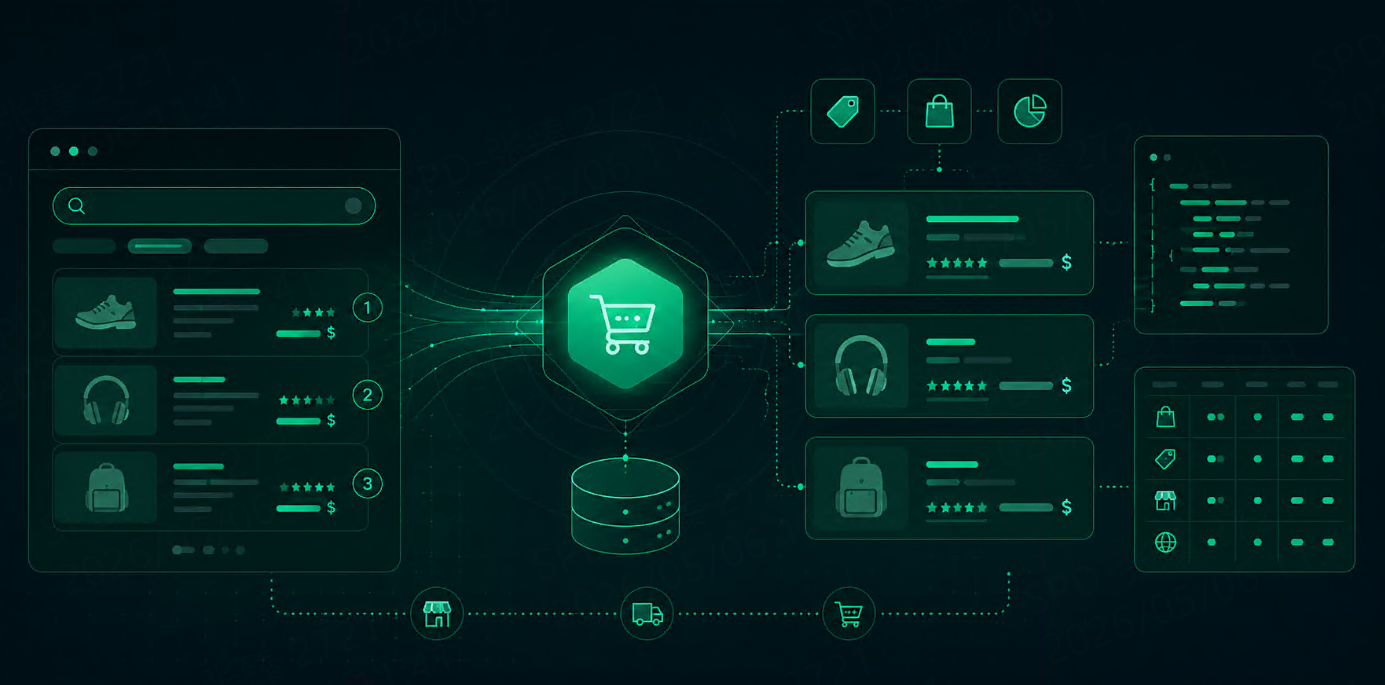
For e-commerce teams, it shows more than product names. A Google Shopping result can include prices, sellers, images, ratings, delivery details, availability, and product comparison signals. Google’s own product and merchant listing documentation also shows how product information such as price, availability, ratings, shipping, and return details can appear across Google Search experiences.
A Google Shopping scraper API helps turn that public shopping result data into structured data your team can use.
Instead of opening Google Shopping manually, copying product details, and organizing them in spreadsheets, an API can return results in formats like JSON. That makes the data easier to use in dashboards, pricing tools, SEO reports, e-commerce monitoring systems, and AI workflows.
What Is a Google Shopping Scraper API?
A Google Shopping scraper API is a tool that collects product data from Google Shopping results and returns it in a structured format.
A typical request may include:
{
  "query": "wireless noise cancelling headphones",
  "location": "United States",
  "language": "en",
  "device": "desktop",
  "output": "json"
}
The API then returns product results that may include titles, prices, product links, seller names, images, ratings, review counts, and ranking positions.
The main value is not only access. The value is clean data. Without an API, teams usually need to handle changing page layouts, location settings, request blocks, CAPTCHA interruptions, and parsing logic. A good scraper API hides much of that work and gives you data that is ready to use.
What Data Can You Collect?
The exact fields depend on the provider, but most Google Shopping scraper APIs focus on product and seller data.
Data Field | Why It Matters |
Product title | Identifies the product being shown |
Product URL | Helps users open or crawl the product page |
Price | Useful for price tracking and comparison |
Currency | Needed for international monitoring |
Seller or merchant | Shows who is selling the product |
Image URL | Useful for catalog checks and visual monitoring |
Rating | Helps measure product trust and popularity |
Review count | Adds context to rating quality |
Availability | Useful for inventory and market monitoring |
Delivery or shipping info | Helps compare total purchase experience |
Ranking position | Shows visibility inside Shopping results |
Location and language | Explains where the result was collected |
Google Merchant Center’s product data specification includes core product attributes such as price, availability, GTIN, MPN, and brand, which are also useful reference points when thinking about shopping data quality.
Not every workflow needs every field. A pricing team may care most about price, seller, and availability. An SEO team may focus on product titles, ranking positions, and visibility. An AI product team may need product metadata, snippets, URLs, and timestamps for grounded answers.
Common Use Cases
Price Monitoring
This is the most obvious use case.
E-commerce teams can track how product prices change across sellers, markets, and time. This is useful for competitor pricing, MAP monitoring, discount tracking, and category-level price analysis.
For example, a brand can monitor whether its products are being sold below target price by third-party sellers.
Competitor Research
Google Shopping results can show which competitors appear for your target product queries.
You can track:
Which brands appear most often
Which sellers dominate a category
Which products rank higher
How product titles are written
Which price ranges are most visible
This helps product, marketing, and e-commerce teams understand what buyers see before they click.
Product Visibility Tracking
Ranking in Google Shopping can change by query, location, device, and time.
A Google Shopping scraper API can help answer:
Is our product visible for target queries?
Which sellers appear above us?
Are competitors using stronger product titles?
Do our products appear in the right category?
Does visibility change by country or city?
This is especially useful for brands selling through multiple retailers or marketplaces.
AI and LLM Workflows
Shopping data is also useful for AI workflows.
An AI shopping assistant, market research agent, or product comparison tool needs fresh data. It should know product names, prices, sellers, ratings, and source URLs.
A clean Google Shopping API response can help an LLM compare products, summarize options, detect price differences, and provide source-aware recommendations.
Why Not Build Your Own Scraper?
You can build your own Google Shopping scraper, but it is rarely simple at scale.
The hard parts are usually not the first successful request. The hard parts are:
Handling layout changes
Parsing product fields reliably
Collecting localized results
Managing request blocks
Handling CAPTCHA challenges
Keeping response formats stable
Running many queries without quality drops
If your team only needs a small one-time dataset, a custom script may be enough. If you need production data every day, an API is usually easier to maintain.
What to Compare Before Choosing an API
A good Google Shopping scraper API should be judged by data quality, not only price.
Factor | What to Check |
Data fields | Does it return title, price, seller, rating, URL, image, and position? |
Location support | Can you collect country or city-level results? |
Freshness | Are results collected in real time or cached? |
Output format | Is the JSON clean and stable? |
Success rate | Does it handle blocks and CAPTCHA interruptions? |
Speed | Is it fast enough for your app or dashboard? |
Scale | Can it handle your keyword and location volume? |
Pricing | Are failed requests billed? Are advanced features extra? |
Documentation | Is it easy for developers to test and debug? |
If you are using the data for AI or analytics, also check whether each result includes enough context: query, location, timestamp, result type, and source URL.
Example Response Structure
A clean product result may look like this:
{
  "query": "wireless noise cancelling headphones",
  "location": "United States",
  "collected_at": "2026-05-15T09:30:00Z",
  "shopping_results": [
    {
      "position": 1,
      "title": "Wireless Noise Cancelling Headphones",
      "price": "$129.99",
      "seller": "Example Store",
      "rating": 4.6,
      "reviews": 1240,
      "product_url": "https://example.com/product",
      "image_url": "https://example.com/image.jpg",
      "availability": "In stock"
    }
  ]
}
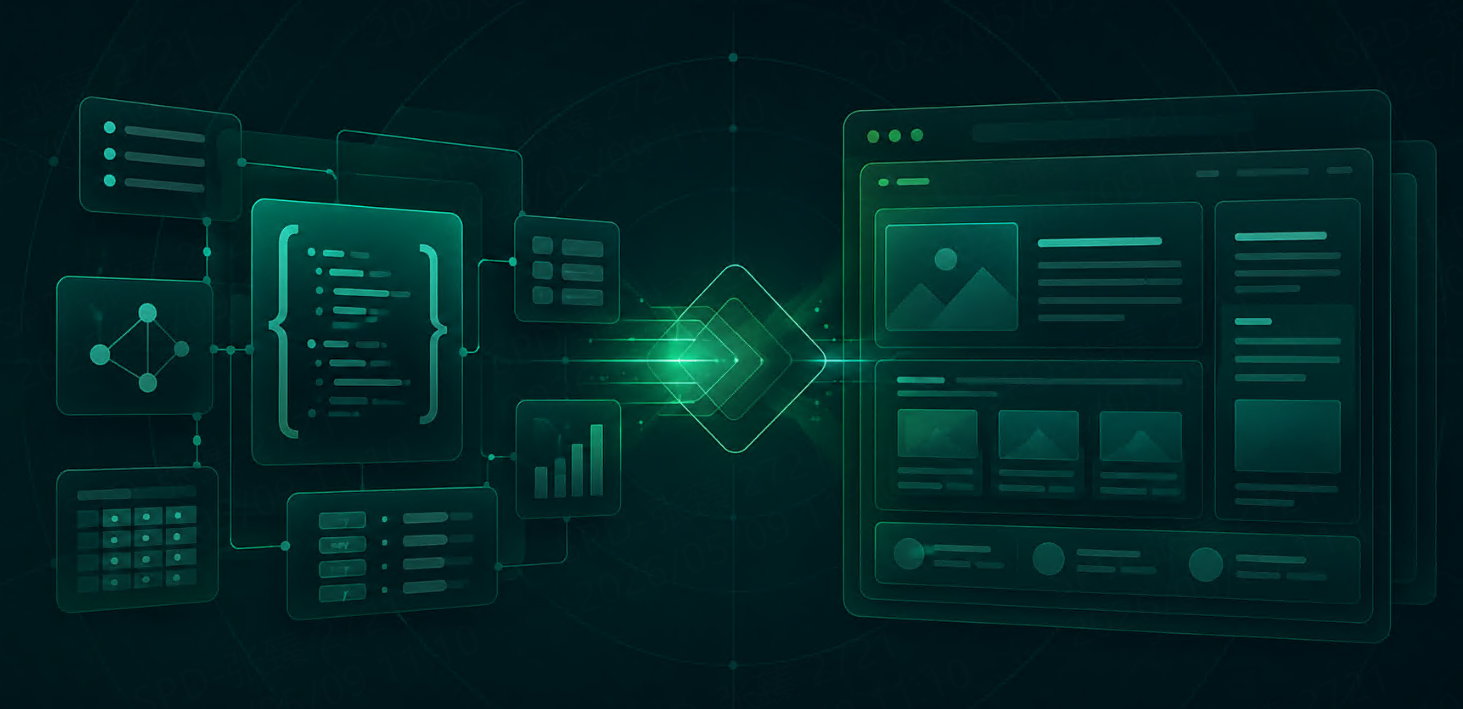
This structure is easier to use than raw HTML. It can move directly into a price tracker, BI dashboard, alert system, or AI workflow.
How Talordata SERP API Helps
Talordata SERP API helps teams collect structured search data without building and maintaining their own scraping pipeline.
For Google Shopping workflows, that means teams can focus on product visibility, competitor pricing, seller monitoring, and market analysis instead of spending time on parsing, geo-targeting, CAPTCHA interruptions, and layout changes.
This is useful for e-commerce teams, SEO teams, market researchers, and AI product teams that need clean search data in a predictable format.
Start scraping Google Shopping with 1,000 free requests>>
FAQ
What is a Google Shopping scraper API?
A Google Shopping scraper API collects product results from Google Shopping and returns structured data such as product titles, prices, sellers, ratings, images, URLs, and ranking positions.
Is Google Shopping data useful for price monitoring?
Yes. It can help teams track product prices across sellers, markets, and time. This is useful for competitor pricing, discount monitoring, and marketplace analysis.
What data should a Google Shopping scraper API return?
At minimum, it should return product title, price, seller, product URL, image URL, rating, review count, availability, location, timestamp, and ranking position.
Do I need location targeting?
Yes, if your market is regional or international. Google Shopping results can change by country, city, language, and device.
Is a scraper API better than building an in-house scraper?
For small one-time projects, an in-house script may work. For recurring or high-volume workflows, an API is usually easier because it handles parsing, blocking issues, localization, and maintenance.
Final Thoughts
A Google Shopping scraper API is useful when your team needs product data that is fresh, structured, and ready to use.
The best API is not simply the cheapest one. It should return clean product fields, support the locations you care about, handle collection stability, and provide a response format that works with your tools.
For e-commerce monitoring, competitor research, price tracking, SEO analysis, and AI workflows, structured Google Shopping data can give teams a clearer view of what buyers see before they click.