How to Collect Bing Search Results with a SERP API
Learn how to collect Bing search results with a SERP API, including what data to track, how the workflow works, and why Bing data matters for SEO, AI, competitor research, and multi-engine monitoring.




Bing search results can provide useful data for SEO monitoring, competitor research, AI workflows, market analysis, and multi-engine search tracking.
Many teams focus only on Google, but Bing still matters. It has a different search audience, different result layouts, and different visibility patterns. A page that ranks well on Google may not appear the same way on Bing. That makes Bing search data useful as a second source of search visibility.
A Bing SERP API helps teams collect Bing search results in a structured format, so the data can be stored, compared, and used in reports, dashboards, AI pipelines, or internal tools.
What Is a Bing SERP API?
A Bing SERP API is an API that collects Bing search engine results and returns them as structured data.
Instead of manually searching Bing, copying URLs, saving snippets, and checking rankings by hand, teams can send a request to the API and receive organized data.
A typical Bing SERP API can return data such as:
organic results
ranking positions
page titles
URLs
snippets
related searches
news results
image or video results
local results, depending on the query
ads or sponsored results, when supported
The main value is repeatability. If a team wants to track the same keywords every week, across multiple locations or devices, an API makes that process much easier.
Why Collect Bing Search Results?
Bing search data is useful because it gives teams another view of search visibility.
Google data is important, but it is not the full search market. Bing can show different competitors, different snippets, different result features, and different ranking patterns.
Teams collect Bing search results for several reasons.
SEO Monitoring
SEO teams use Bing data to track rankings outside Google. This helps them understand whether their pages are visible across multiple search engines.
Competitor Research
Bing results can reveal competitors that may not be as visible on Google. This is useful for category research and brand monitoring.
AI and Search Grounding
AI teams can use Bing results as an additional source of current web context. Titles, URLs, snippets, and related searches can support retrieval, grounding, and source comparison workflows.
Market Research
Search results can show what content, brands, products, or publishers appear for a topic. Bing data can help teams compare demand signals across search engines.
Multi-Engine Tracking
If a team only tracks Google, it may miss visibility changes on other search engines. Bing data helps create a more complete search monitoring workflow.
What Data Can You Collect from Bing Search Results?
The exact fields depend on the SERP API provider and the type of Bing result being collected.
Common fields include:
Data Point | Why It Matters |
Keyword | Shows the search query being tracked |
Position | Measures ranking visibility |
Title | Identifies the result headline |
URL | Connects the result to a source page |
Snippet | Shows how the result is described |
Result Type | Separates organic, news, video, image, or local results |
Location | Supports regional comparison |
Timestamp | Enables trend tracking |
For most SEO and research workflows, the most useful fields are keyword, position, title, URL, snippet, result type, location, and timestamp.
More advanced workflows may also collect related searches, sitelinks, news results, image results, video results, ads, and local result data.
How to Collect Bing Search Results with a SERP API
The workflow is usually simple.
Step 1: Define Your Keywords
Start with a focused keyword list.
Common keyword groups include:
brand keywords
competitor keywords
product keywords
category keywords
informational queries
commercial-intent queries
For example, a SaaS company may track keywords like “best CRM software,” “CRM pricing,” and competitor brand terms. An ecommerce team may track product and category keywords.
Do not start with too many keywords. A smaller list makes reporting easier and helps the team focus on useful trends.
Step 2: Set Search Parameters
A SERP API request usually includes more than the keyword.
Common parameters include:
search engine: Bing
query
country
location
language
device
page number
output format
Location and language matter because search results can change by market. If the team wants to compare Bing visibility across countries or regions, those parameters should stay consistent.
Step 3: Send the API Request
Once the keywords and parameters are ready, the system sends requests to the SERP API.
The API collects Bing search results and returns structured output, usually in JSON or HTML.
A JSON response is easier for most workflows because it can be stored in a database, processed with Python, or connected to dashboards and reporting tools.
Step 4: Parse the Results
After receiving the response, teams usually extract key fields such as:
position
title
URL
snippet
result type
timestamp
This data can then be stored in a spreadsheet, database, SEO reporting system, or analytics workflow.
Step 5: Track Changes Over Time
One Bing result page is only a snapshot.
The real value comes from repeated collection. Teams can compare weekly or monthly changes and look for patterns.
Useful trends include:
ranking gains
ranking losses
new competitor appearances
snippet changes
SERP feature changes
visibility differences by region
This turns Bing SERP data into a useful monitoring source, not just a one-time export.
Python Example: Collect Bing Results with a SERP API
Here is a simple Python example showing how a team might collect Bing search results for multiple keywords.
import requests
import pandas as pd
from datetime import datetime

API_KEY = "YOUR_API_KEY"
API_ENDPOINT = "https://api.example.com/serp"

keywords = [
    "best CRM software",
    "CRM pricing",
    "sales automation tools"
]

rows = []

for keyword in keywords:
    params = {
        "api_key": API_KEY,
        "engine": "bing",
        "q": keyword,
        "country": "us",
        "language": "en",
        "device": "desktop",
        "output": "json"
    }

    response = requests.get(API_ENDPOINT, params=params, timeout=30)
    response.raise_for_status()
    data = response.json()

    organic_results = data.get("organic_results", [])

    for result in organic_results[:10]:
        rows.append({
            "date": datetime.utcnow().date().isoformat(),
            "keyword": keyword,
            "position": result.get("position"),
            "title": result.get("title"),
            "url": result.get("url"),
            "snippet": result.get("snippet")
        })

df = pd.DataFrame(rows)
df.to_csv("bing_serp_results.csv", index=False)

print("Saved Bing SERP results to bing_serp_results.csv")
This example shows the basic workflow:
loop through keywords
send Bing SERP API requests
collect organic results
extract key fields
save results to a CSV file
In production, teams should add retry logic, logging, error handling, pagination support, and database storage.
SERP API vs Manual Bing Search
Manual Bing search works for quick checks. It does not work well for repeated workflows.
Method | Best For | Main Limitation |
Manual Search | Quick checks | Slow and hard to repeat |
Custom Scraping | Full control | High maintenance |
Bing SERP API | Structured recurring collection | Depends on provider quality |
A SERP API is usually the better option when teams need structured data, repeatable collection, or integration with internal tools.
Manual search is fine for one keyword. It is not practical for hundreds of keywords or weekly reports.
Where Talordata SERP API Fits
Talordata SERP API helps teams collect structured search results from Bing and other major search engines.
It is useful when teams want to monitor search visibility across multiple engines, compare Bing and Google rankings, collect search data for AI workflows, or build automated SEO reports.
Talordata can return structured output such as JSON or HTML, making it easier to connect Bing SERP data to dashboards, databases, and internal systems.
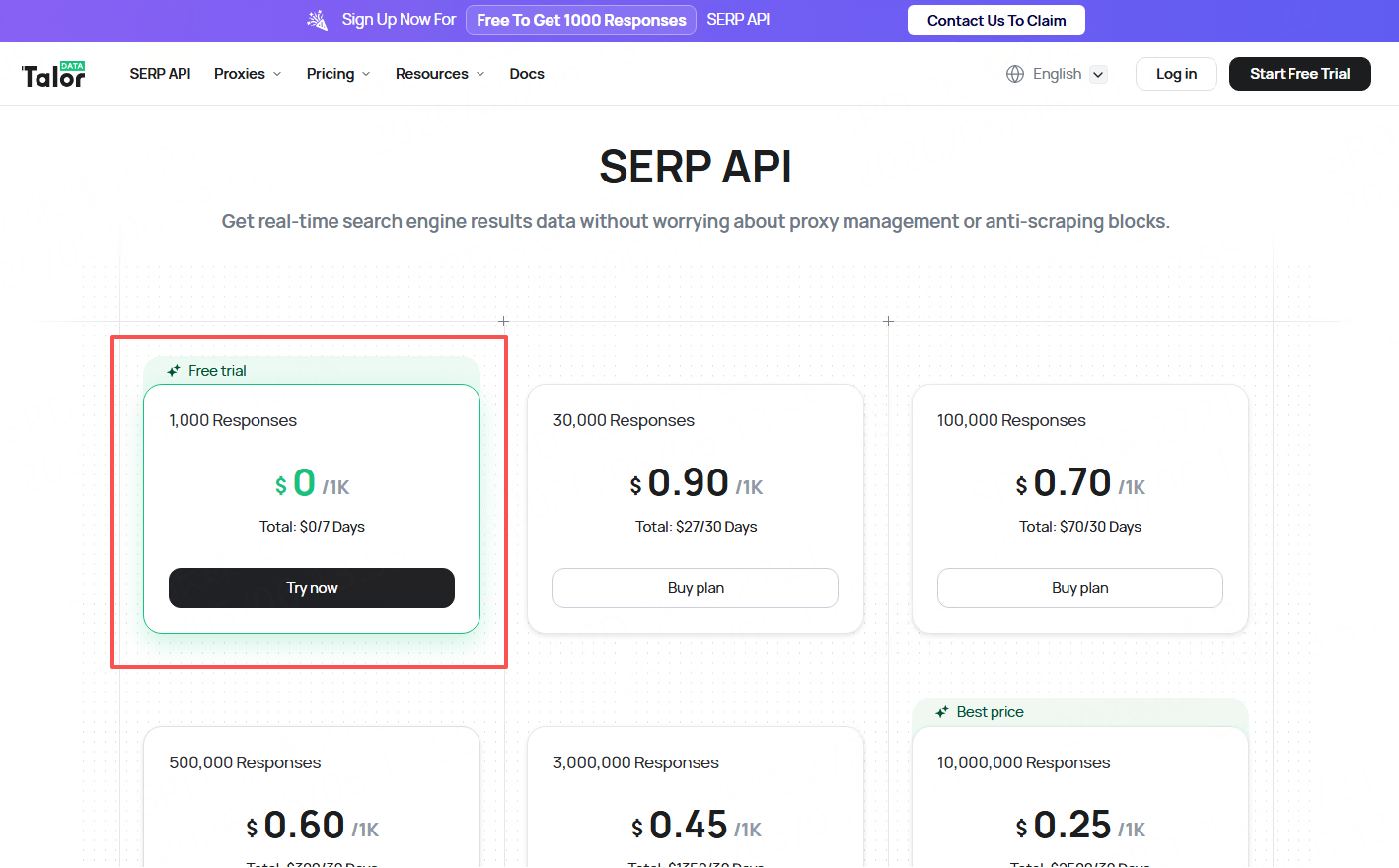
It also helps reduce collection friction from geo restrictions, CAPTCHA-related interruptions, and manual parsing work. Start a free trial>>
Final Thoughts
Collecting Bing search results with a SERP API helps teams build a more complete search visibility workflow.
Bing data is useful for SEO monitoring, competitor research, AI grounding, market analysis, and multi-engine reporting.
The key is not just collecting results once. The real value comes from collecting Bing SERP data consistently, storing it cleanly, and comparing changes over time.
For teams that need repeatable search data, a Bing SERP API is more practical than manual search or custom scraping.
FAQ
What is a Bing SERP API?
A Bing SERP API is an API that collects Bing search results and returns them as structured data, usually in JSON or HTML format.
What data can I collect from Bing search results?
You can collect organic results, ranking positions, titles, URLs, snippets, related searches, news results, image or video results, and other SERP elements depending on the provider.
Why should teams collect Bing search results?
Teams collect Bing search results to monitor SEO visibility, track competitors, support AI workflows, compare search engines, and analyze market trends.
Is Bing SERP data useful for SEO?
Yes. Bing SERP data helps SEO teams understand visibility outside Google and compare rankings across search engines.
Can Bing SERP data be used for AI workflows?
Yes. Bing search results can provide fresh web context, source URLs, snippets, and related queries for AI applications, RAG pipelines, and AI agents.
Is a SERP API better than manually checking Bing?
For recurring workflows, yes. A SERP API is faster, more consistent, and easier to connect to reports, dashboards, and data systems.